

The lobby is where everyone comes together before the next game.
You’ll see the live board, the session’s join code and link, Join requests, Players, Your household, and Games.
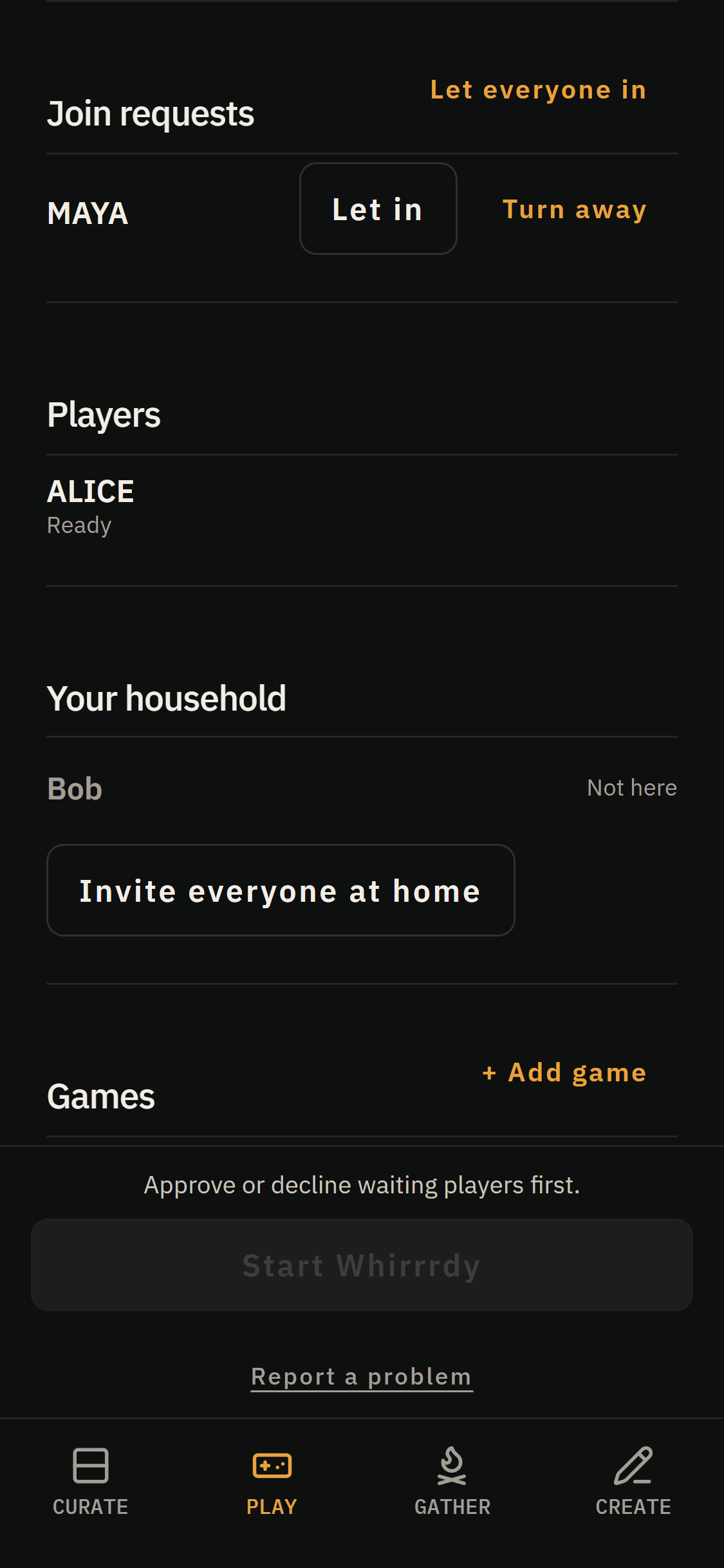
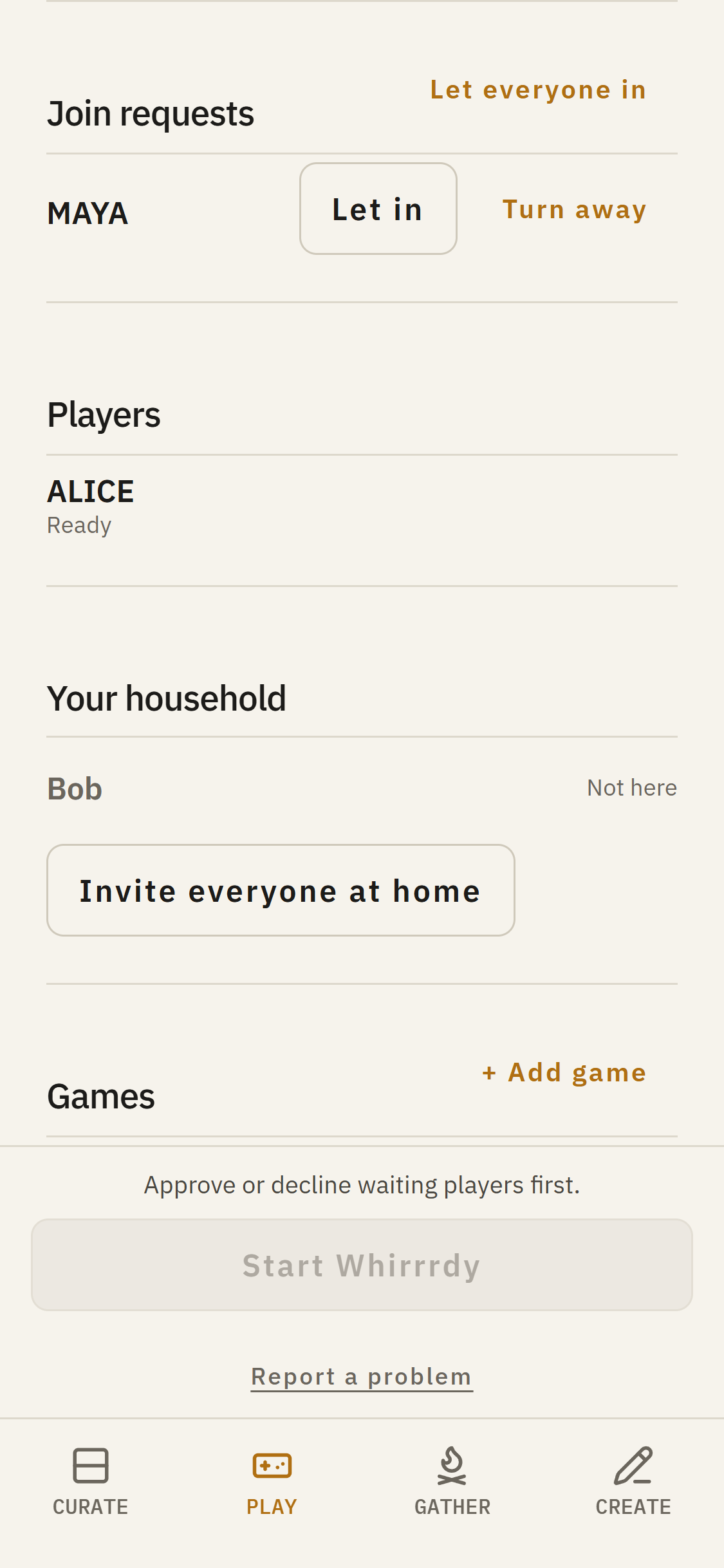
Send an invitation or copy the link to share it. When guests arrive, you can welcome them individually or choose Let everyone in. Household members can join directly.
Want to make an evening of it? Tap + Add game to put another game in the queue. You can adjust a queued game’s options before it begins.
When everyone’s ready, the button at the bottom starts the next game.
During play, the host strip above your game opens the host controls. It shows who’s waiting and gives you access to join requests, players, and the games queue.
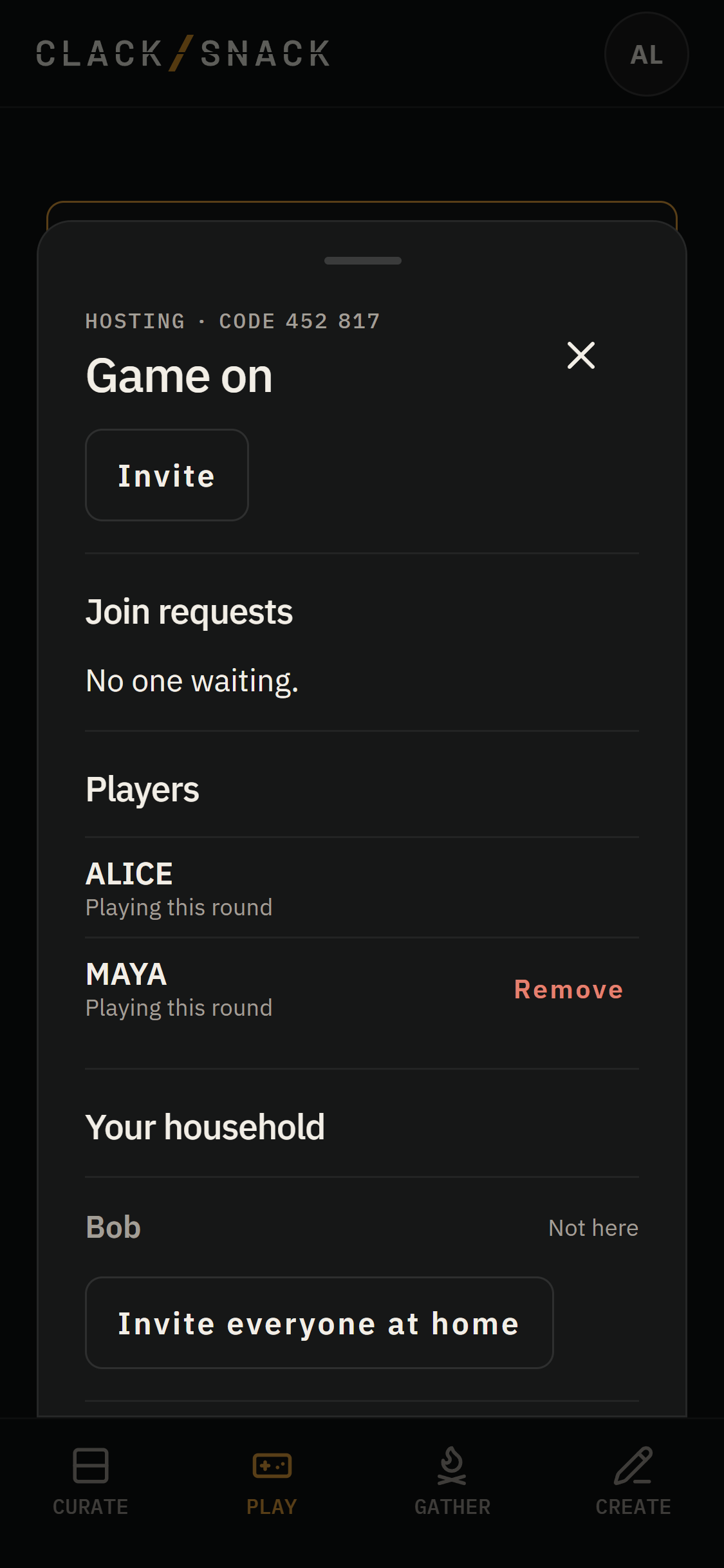
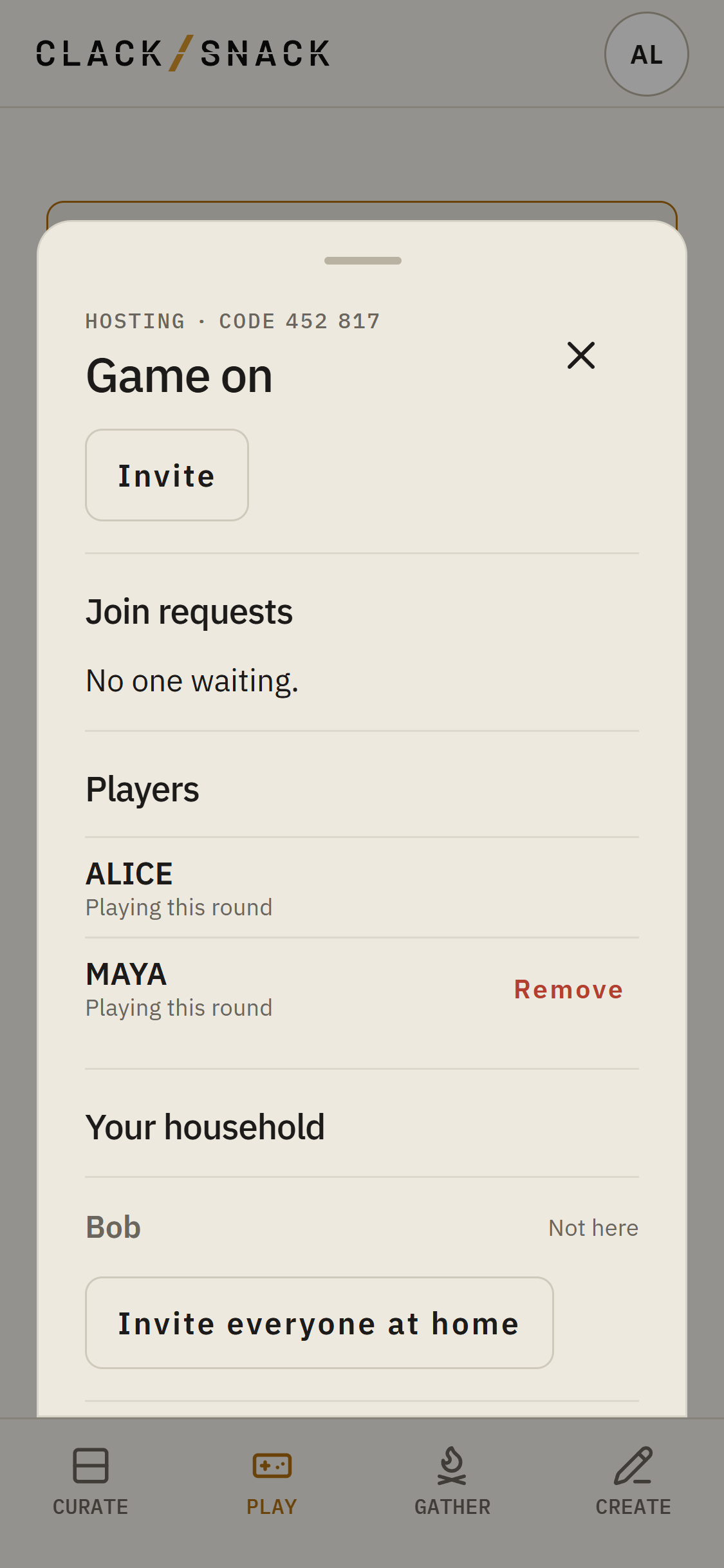
End game finishes the current game but keeps the session open, ready for whatever comes next.
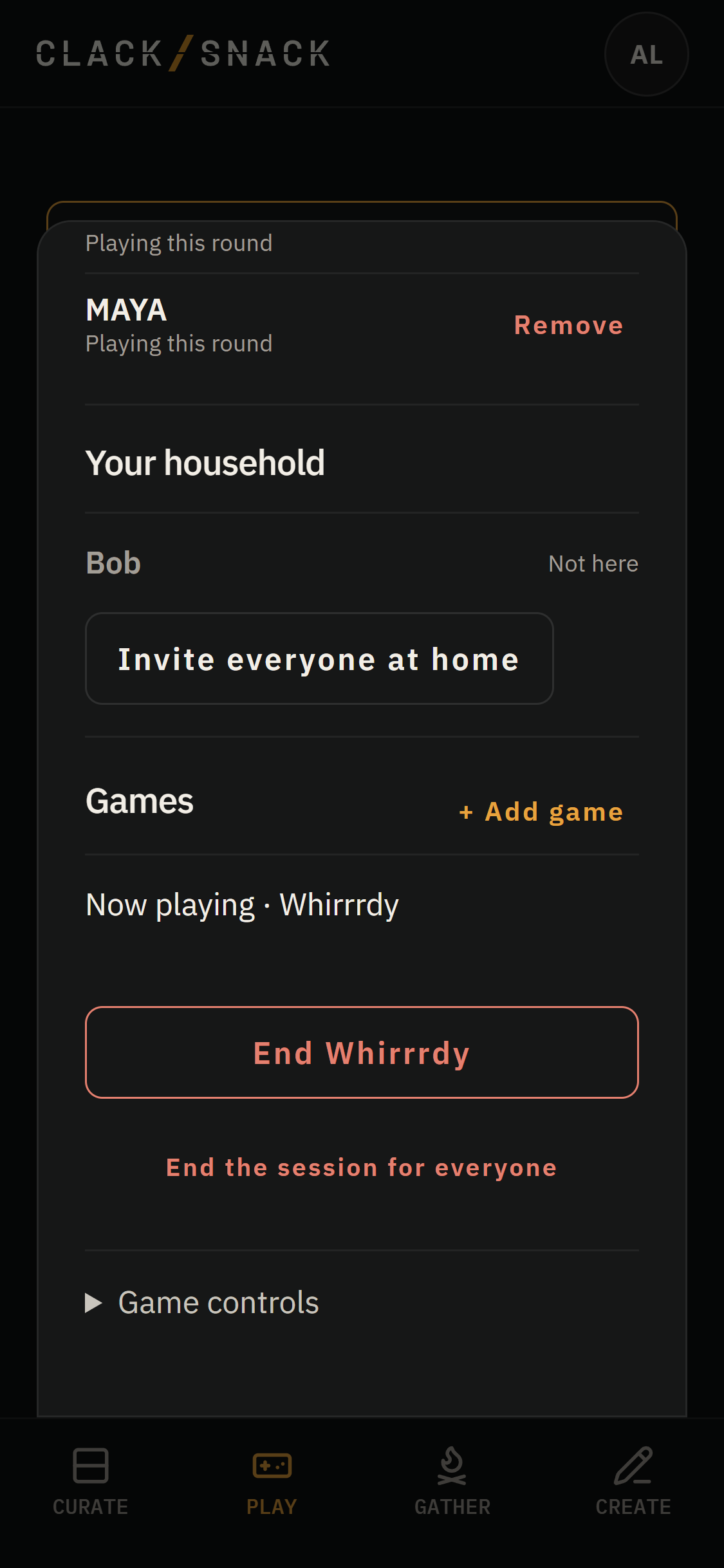
End the session for everyone asks for confirmation, then closes the session and returns the Display to its Spread.
If something doesn’t look right during a game, tap Report a problem at the bottom of the screen. You can read more about reporting a problem and sending feedback.