

Something not quite right? Or have an idea you’d like to share? You can tell us right from where you are in ClackSnack.
Where to find it
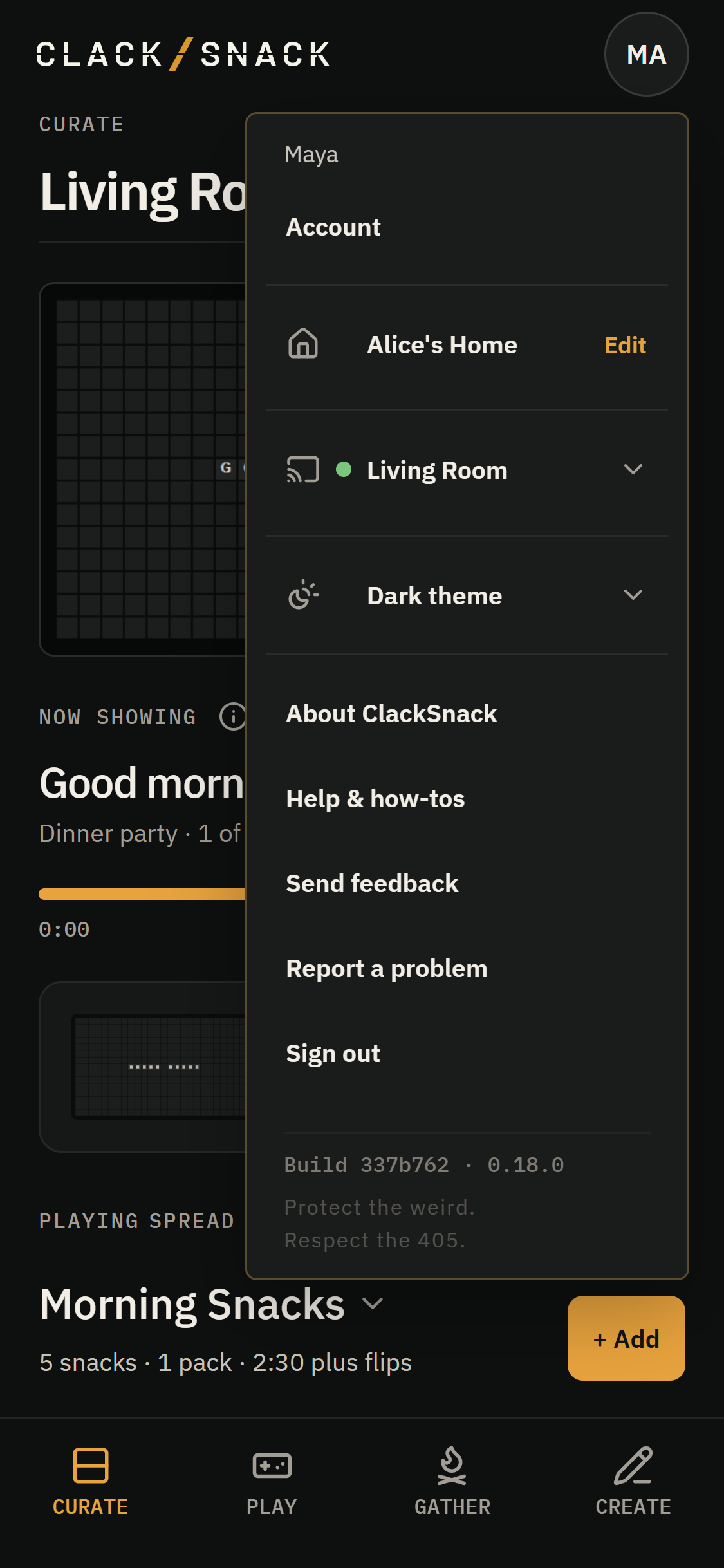
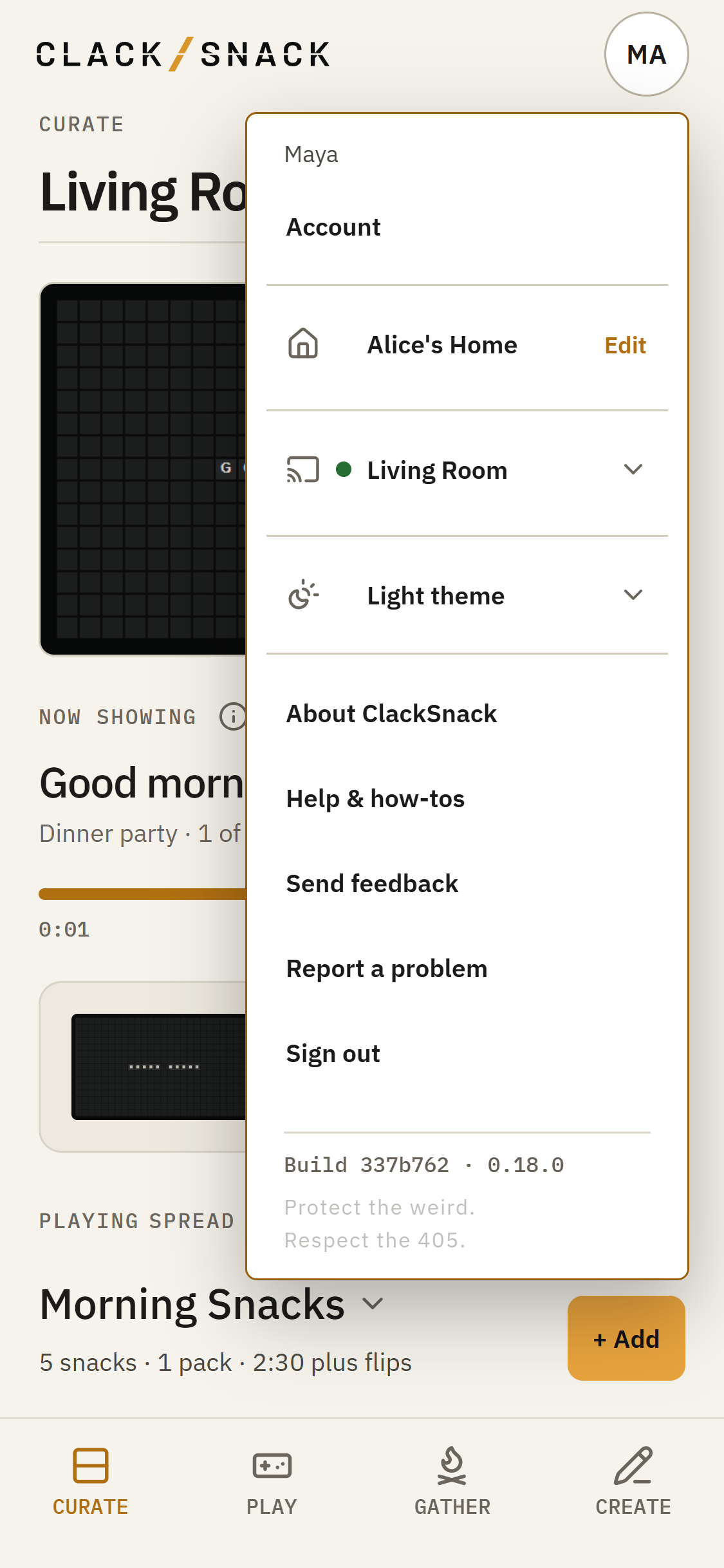
Open the profile menu and tap Report a problem to tell us when something isn’t working as expected. Or choose Send feedback when you’ve got an idea, a suggestion, or something you’d simply like us to know.
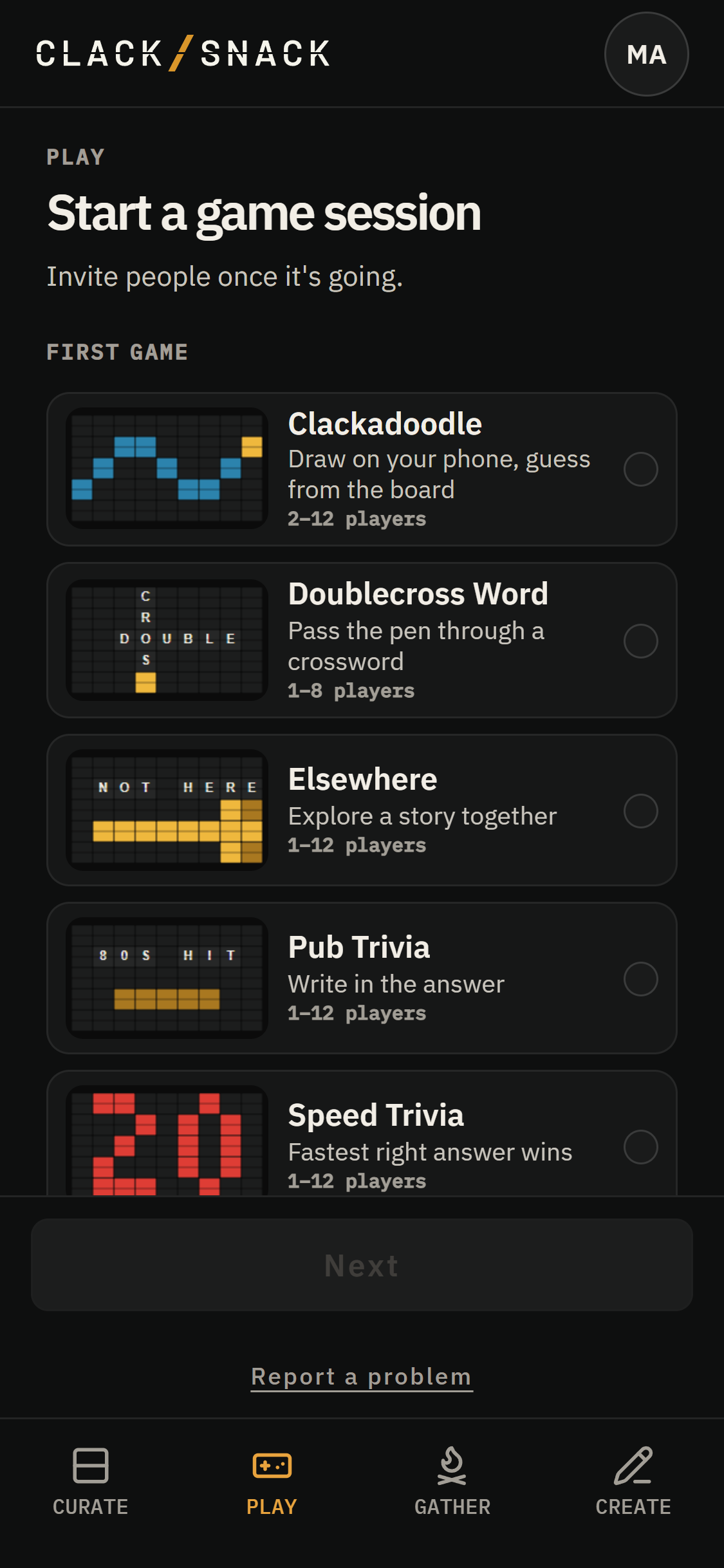
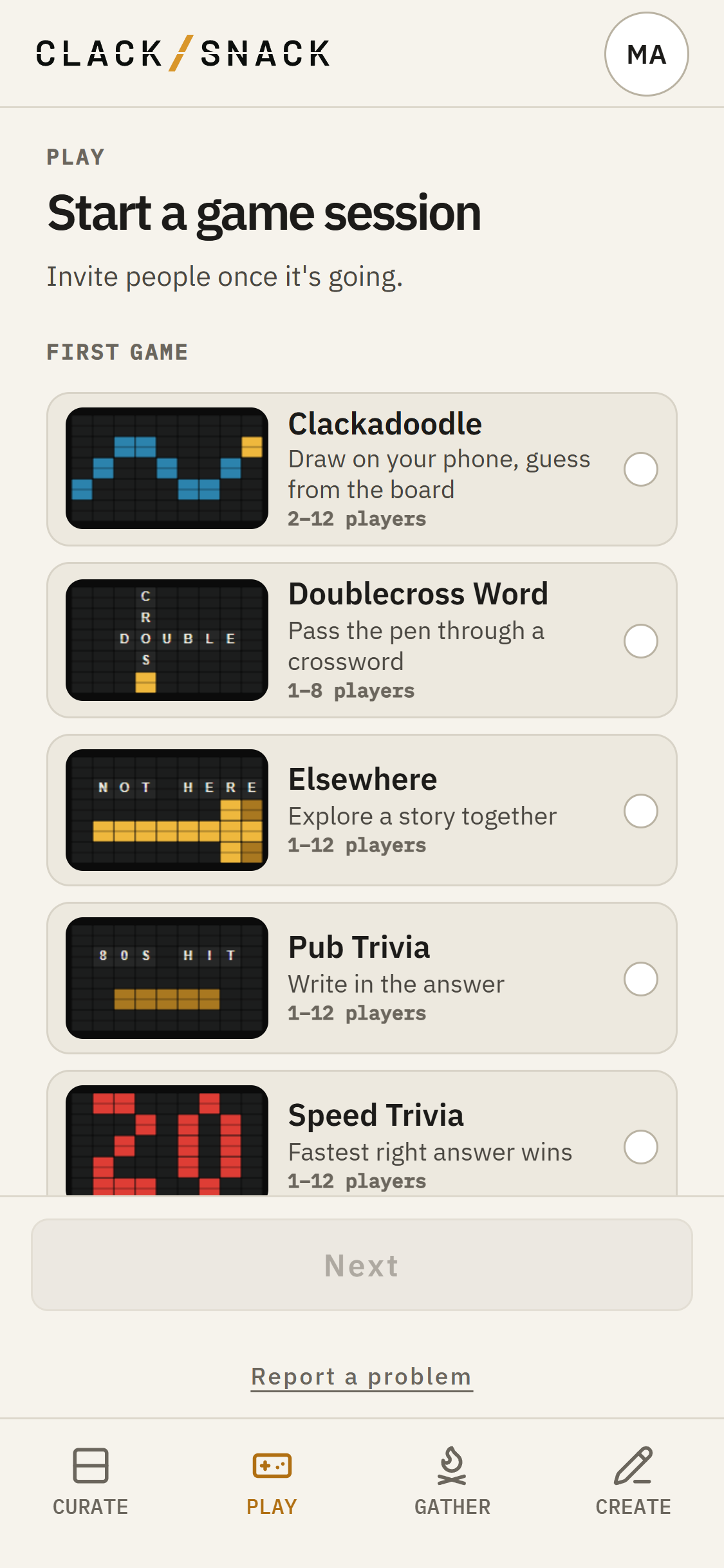
During a game, hosts and guests can tap Report a problem at the bottom of the Play screen. Guests can report problems once they’ve joined a game session, but not from the join page.
In Create, open a Snack’s More actions or a Pack’s menu and tap Report this. Save your changes first so the report can include the saved Snack or Pack.
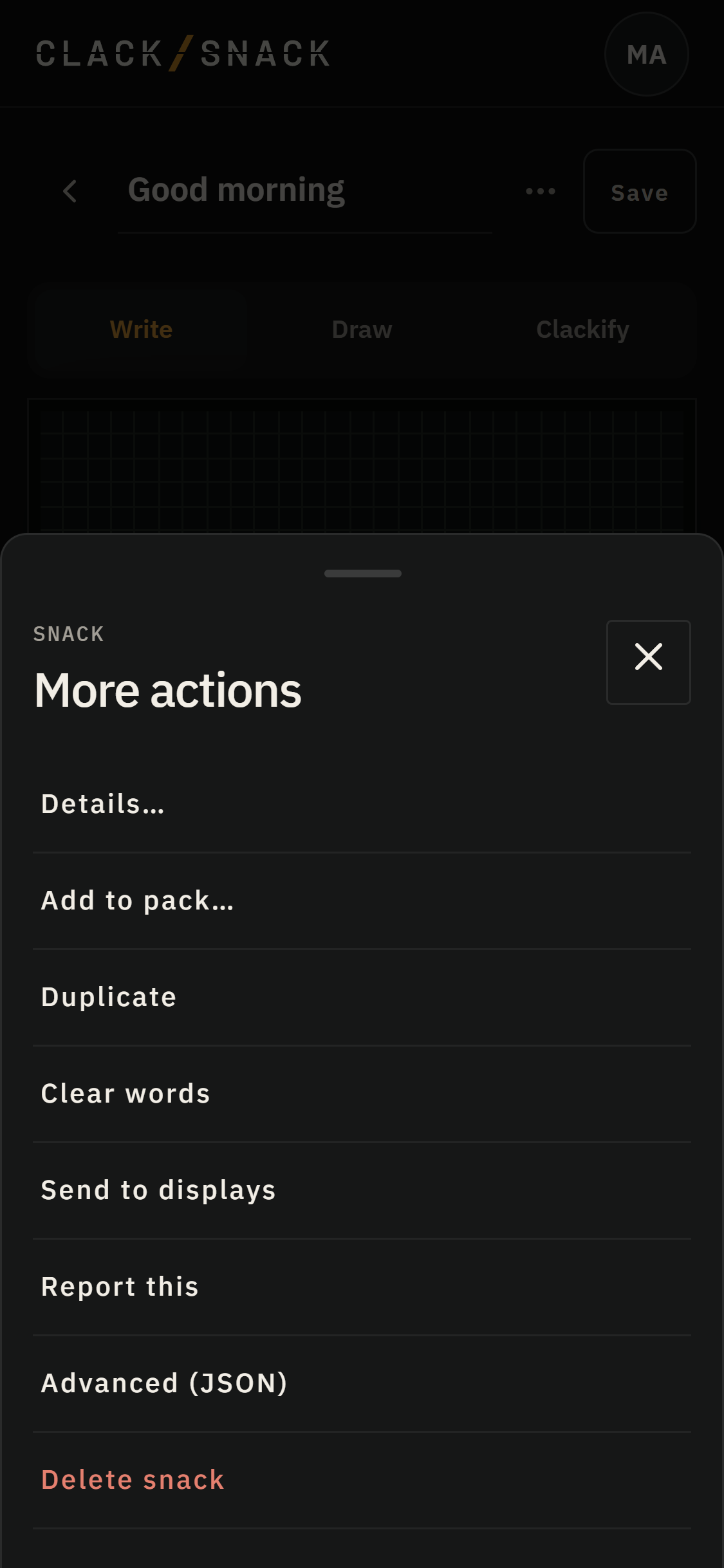
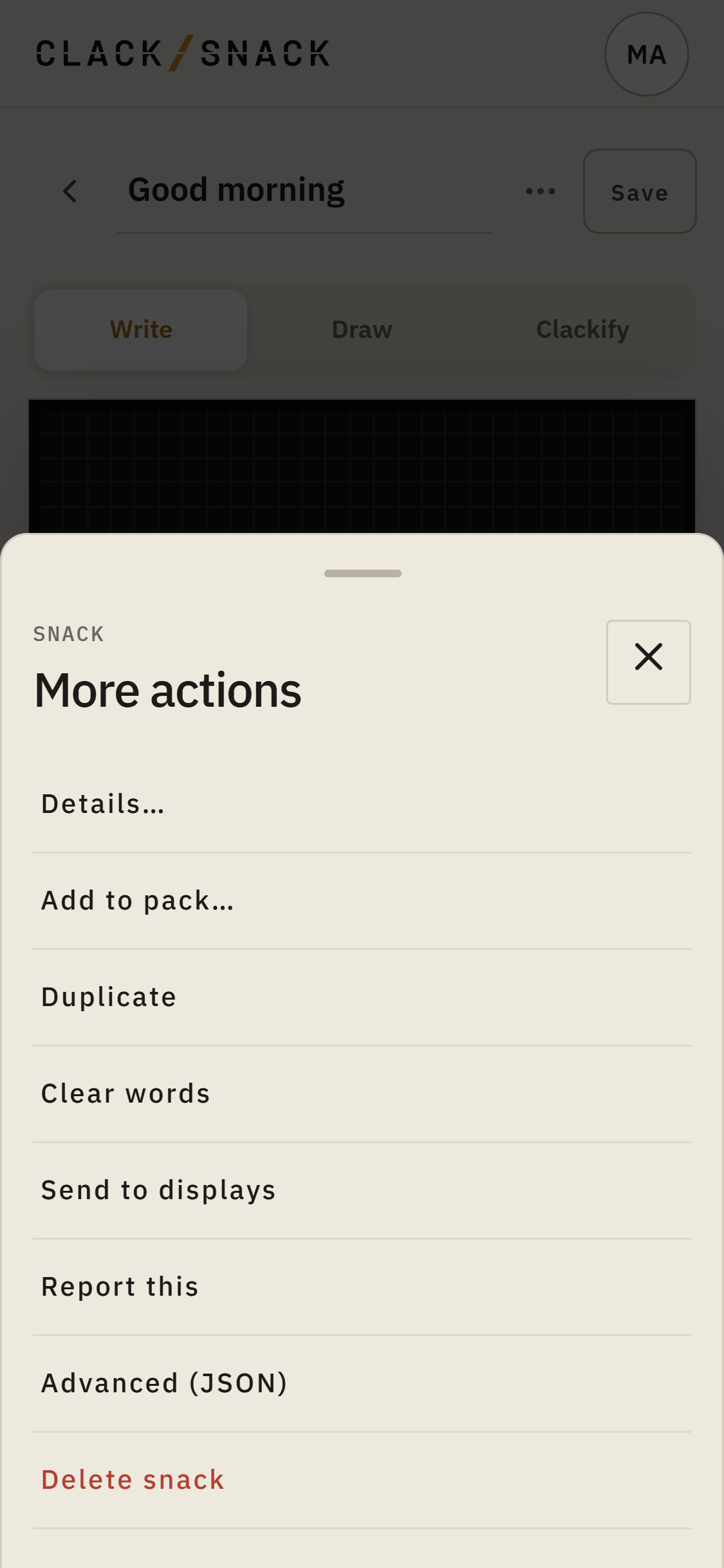
Word and trivia Packs can also be reported from inside a game session.
Reporting a problem
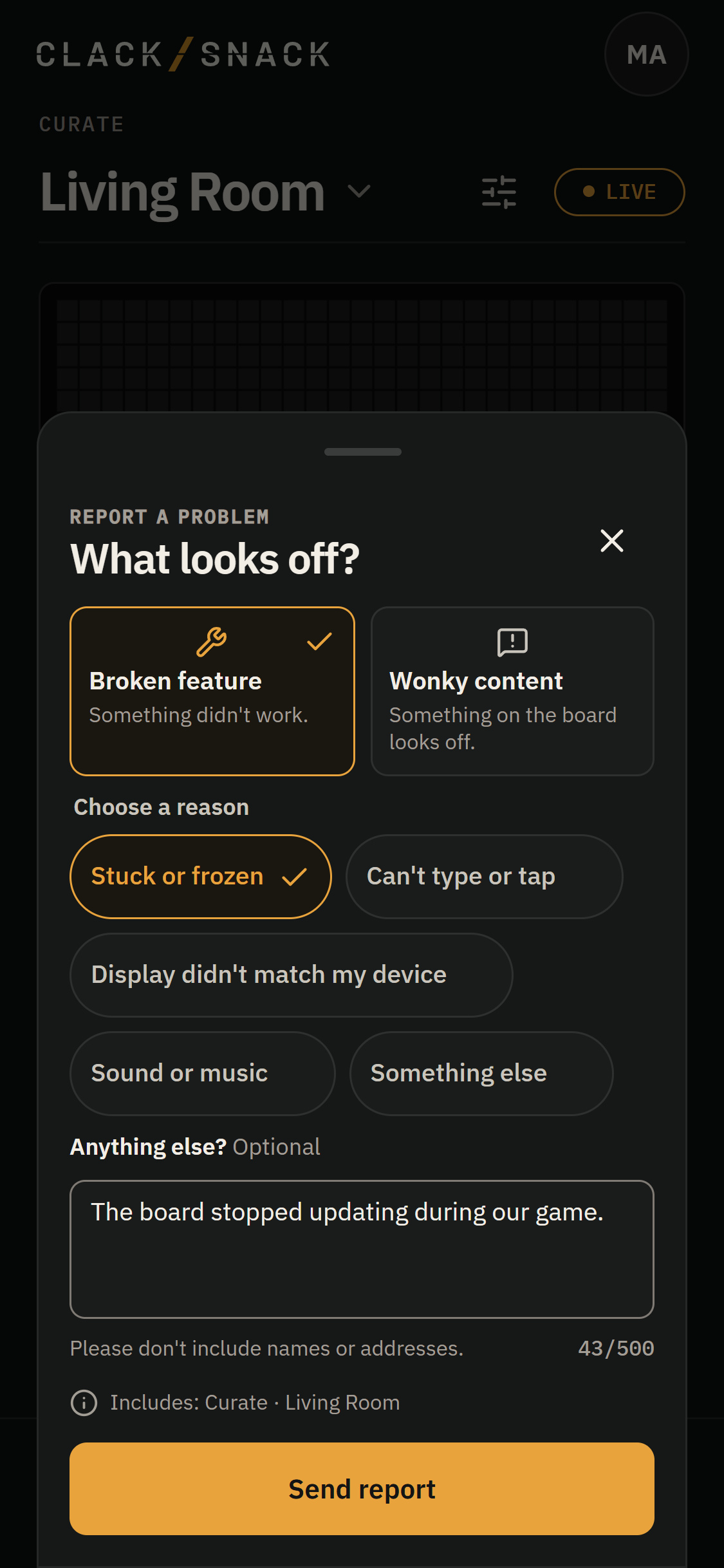
Choose the kind of problem you’ve noticed.
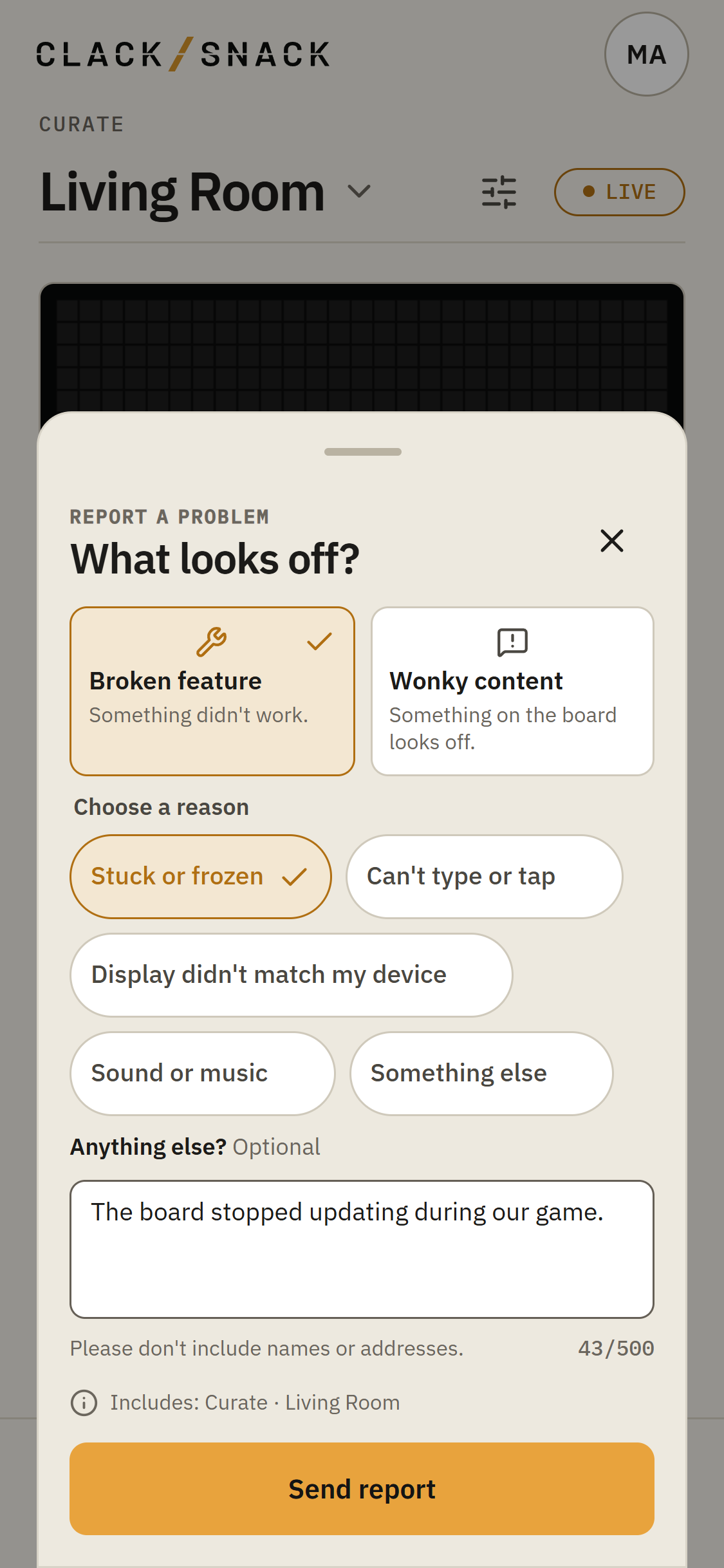
Broken feature is for something that didn’t work. You can choose Stuck or frozen, Can’t type or tap, Display didn’t match my device, Sound or music, or Something else.
Wonky content is for something that doesn’t seem right in a question, answer, word, Snack, or Pack.
During a game, you can choose Badly worded, The accepted answer looks wrong, My right answer wasn’t accepted, Doesn’t belong in a family game, or Something else.
For a Snack or Pack, the choices are Looks wrong on the board, Spelling or words, Doesn’t belong in a family space, Credit or ownership, or Something else.
Sending feedback
Not everything you want to tell us is a problem. Some things are ideas, questions, or little discoveries worth sharing.
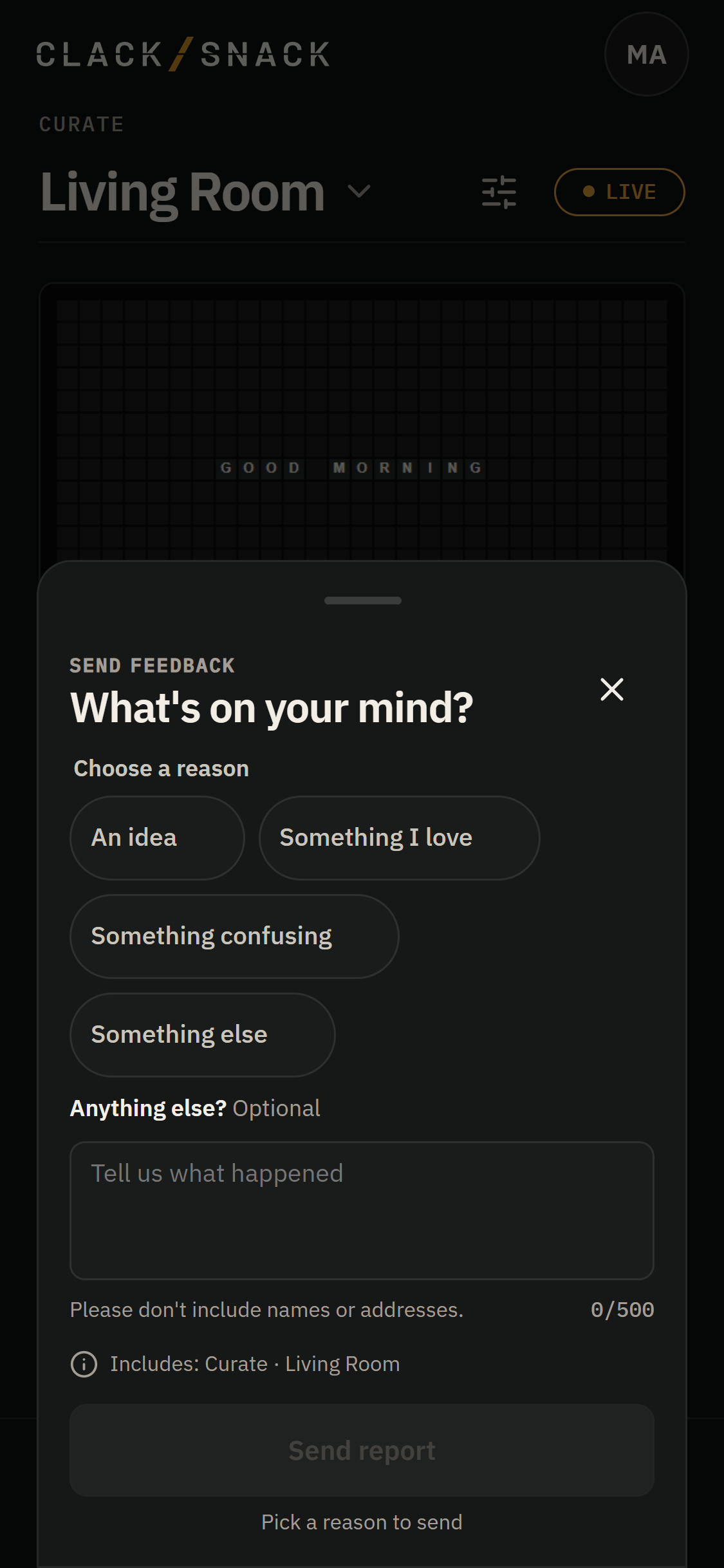
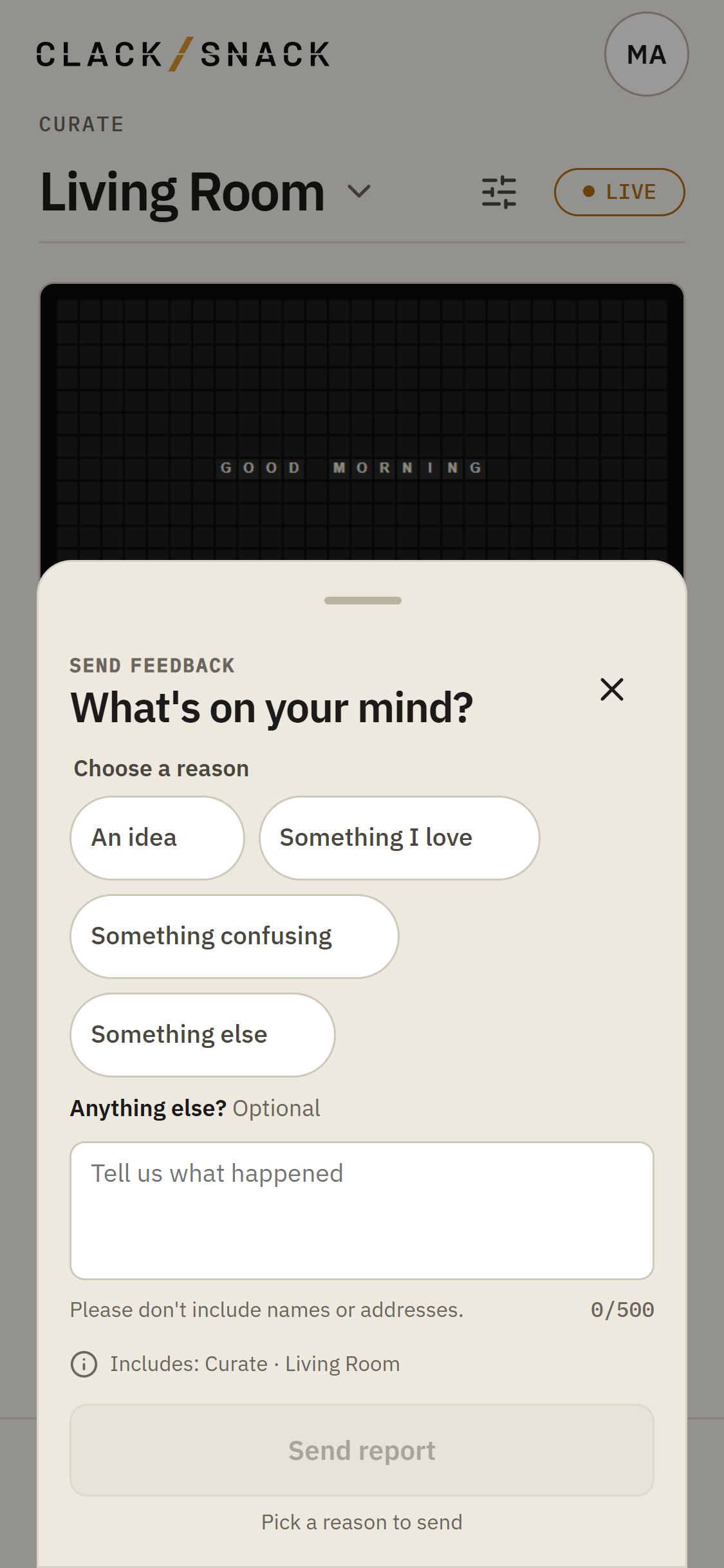
Tap Send feedback to open What’s on your mind?
Choose An idea, Something I love, Something confusing, or Something else.
We’re happy to hear about the good things, too.
What goes with your report
You can add a note under Anything else? if you’d like to explain a little more. It’s optional, with room for up to 500 characters.
Please follow the reminder on the form: “Please don’t include names or addresses.”
The Includes line shows the area you’re reporting from and your selected Display. During a game, it may also include the game and question or round. ClackSnack records which screen you were on, too.
Names and contact details are never included.
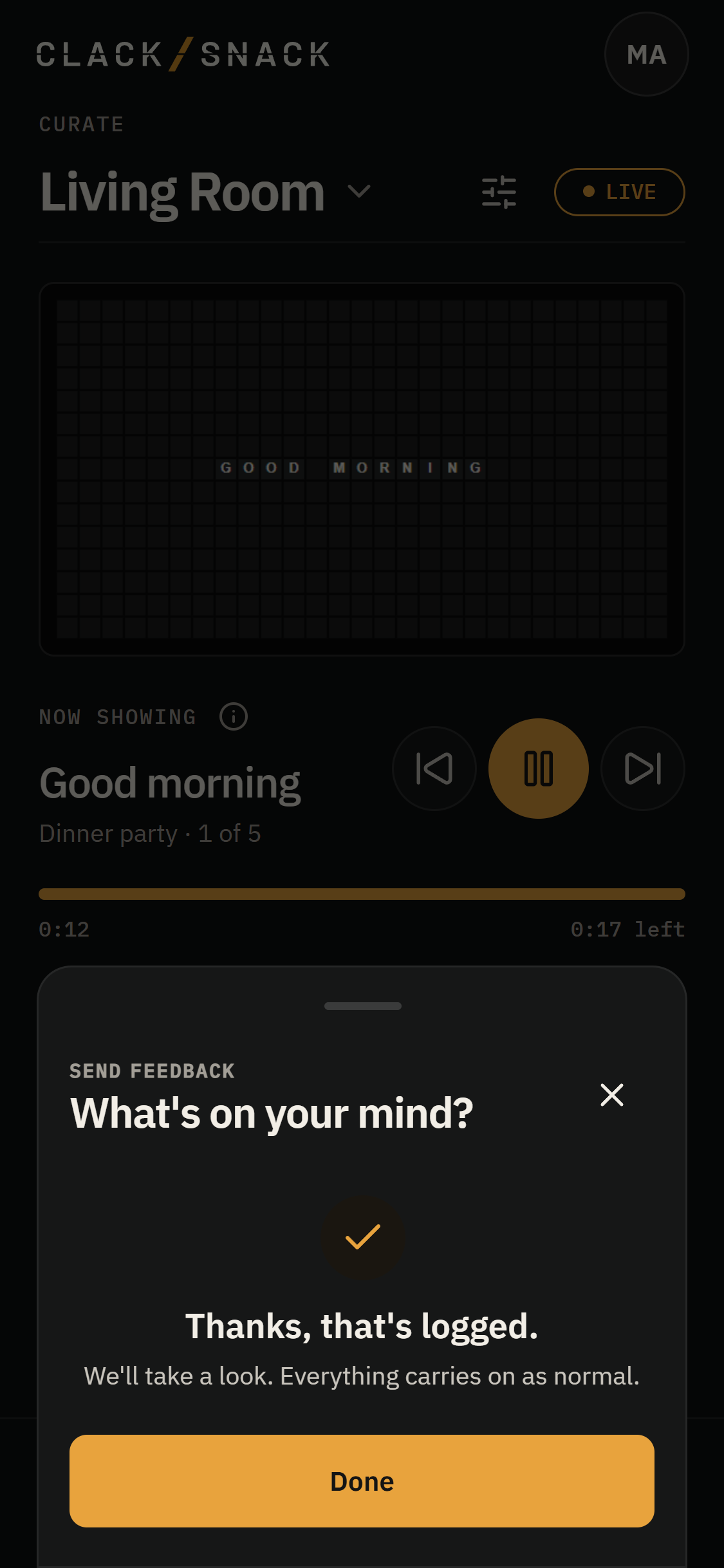
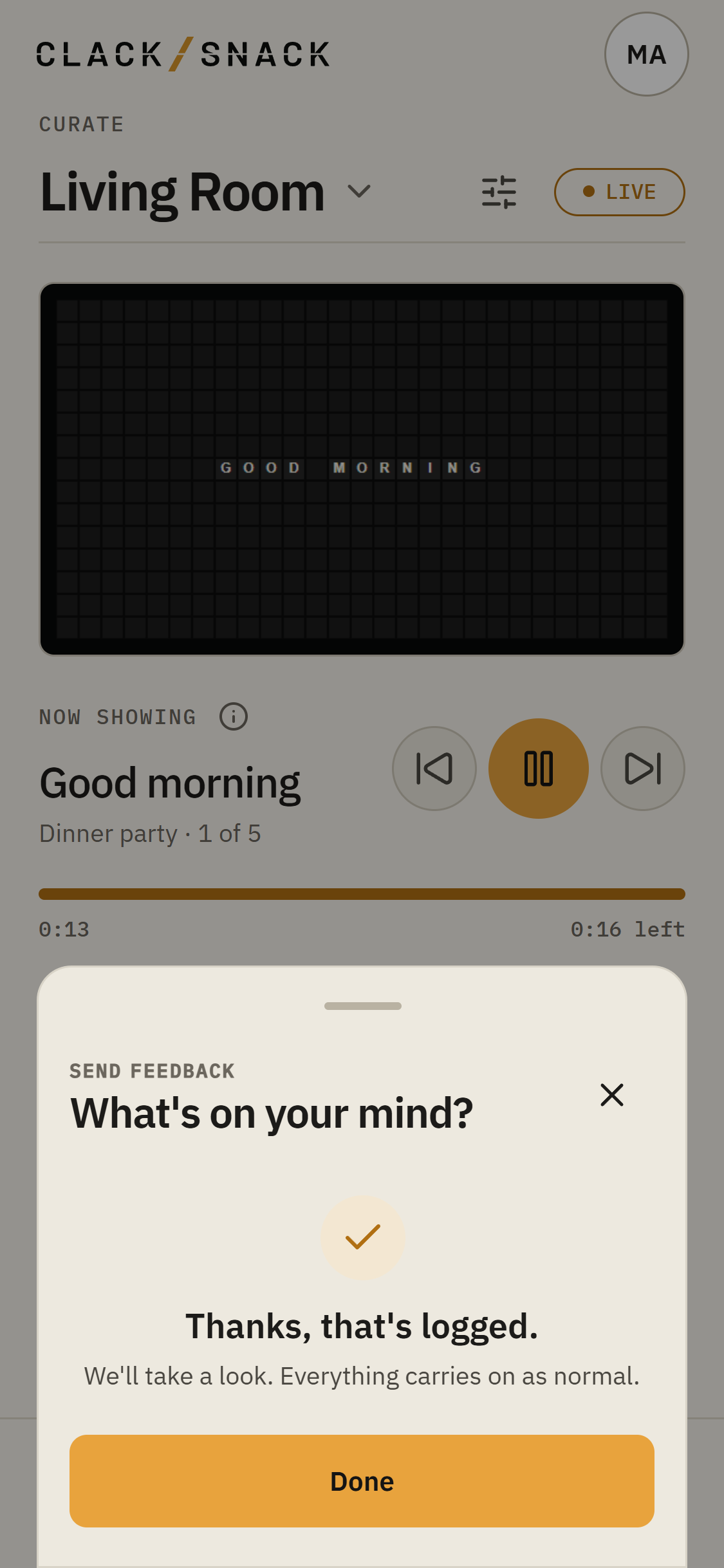
When you’re ready, tap Send report. You’ll see Thanks, that’s logged.
Your report is recorded for us to look at. Sending one doesn’t change a game or its result.
If your connection drops
If you’re signed in and your connection drops, ClackSnack saves the report on this device and sends it when the connection returns. An unsent report stays on the device for up to seven days.
Guest reports aren’t saved on the device. If a guest’s report doesn’t send, they’ll be asked to try again.