A game night starts with a game. The rest can follow.
Open Play and choose the First game. Tap Next to set it up.
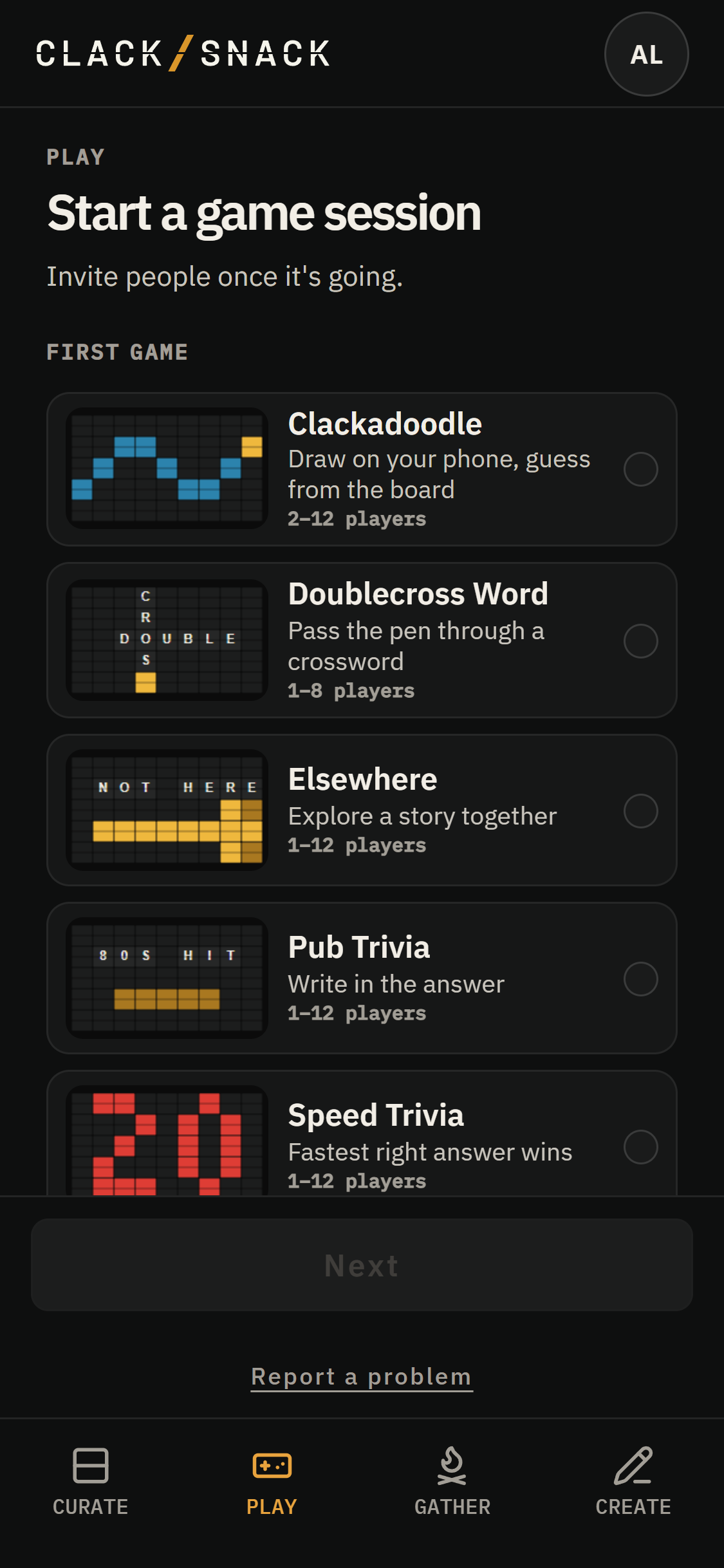
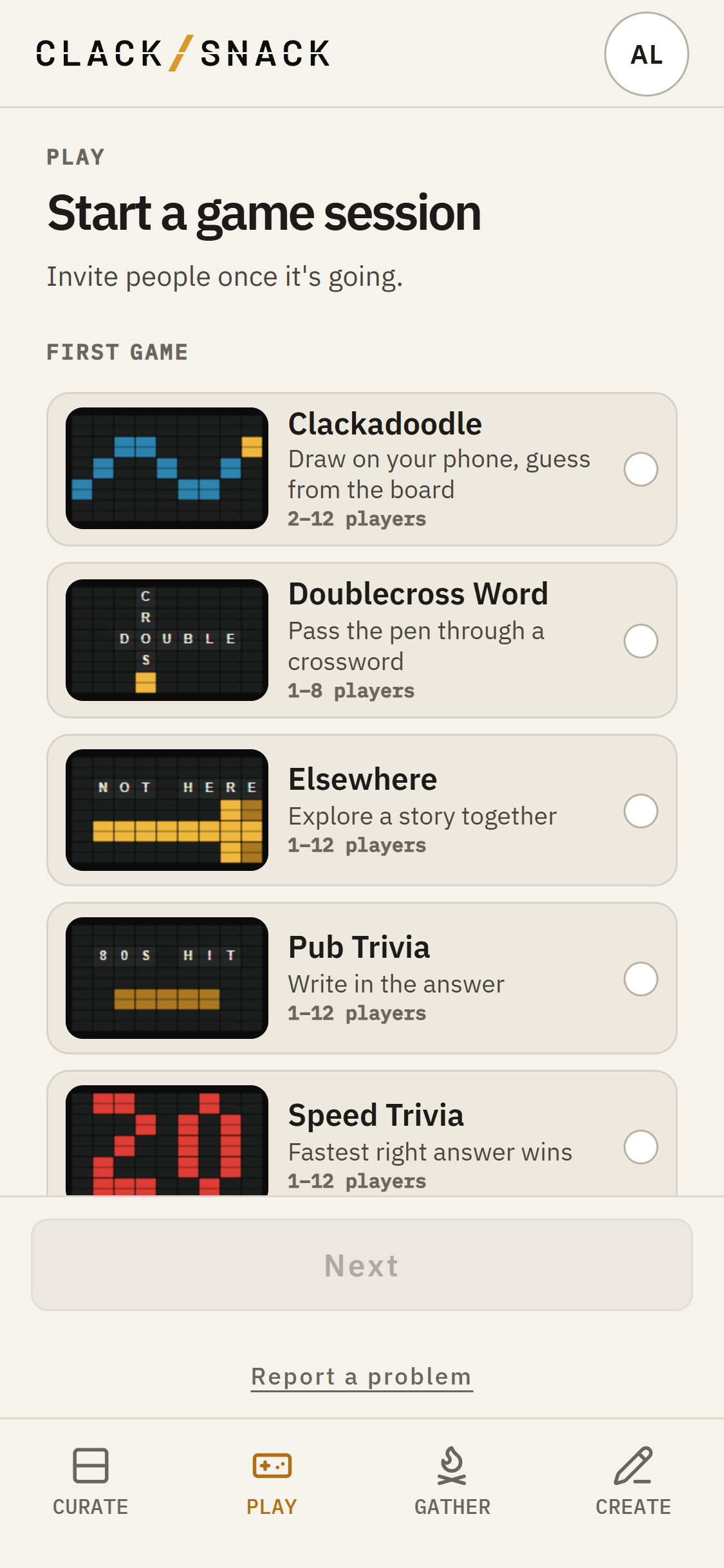
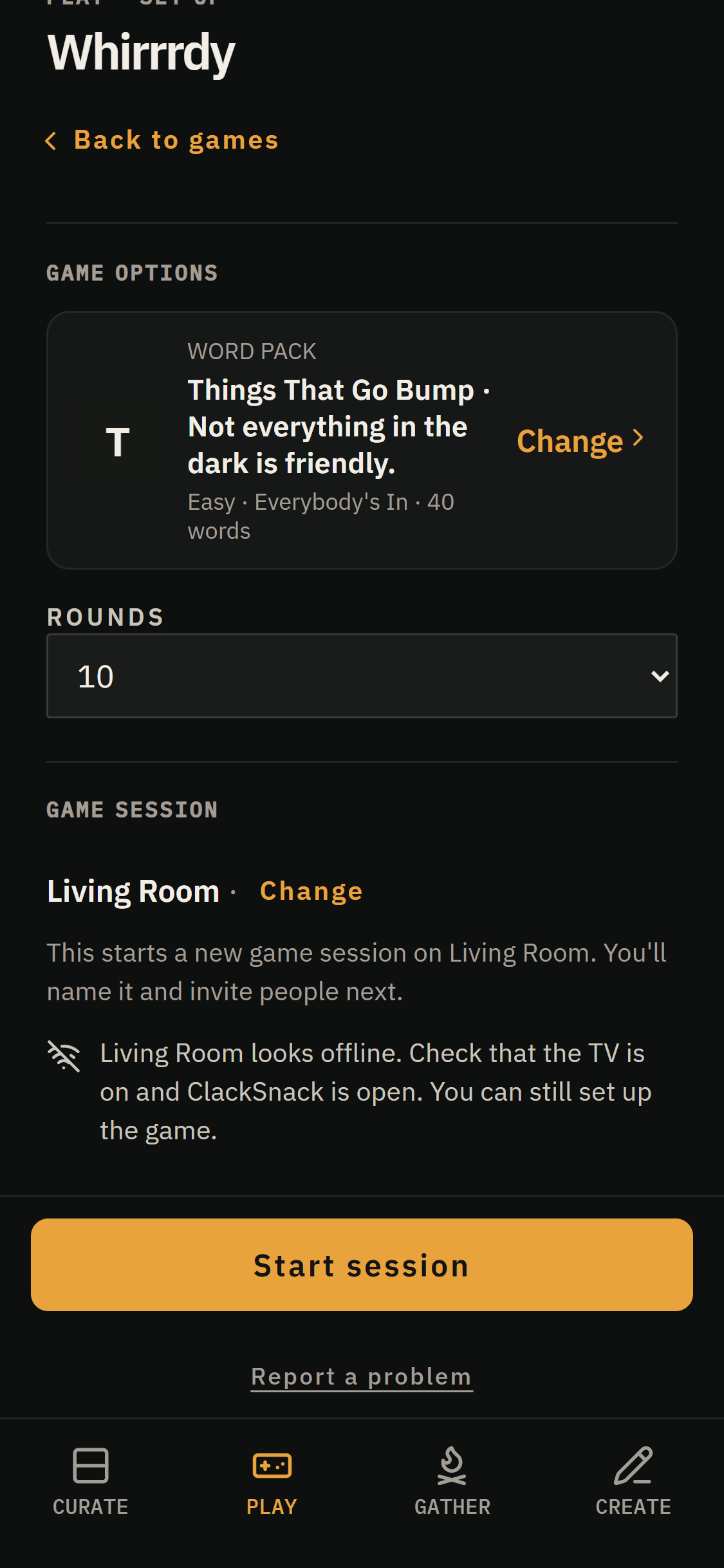
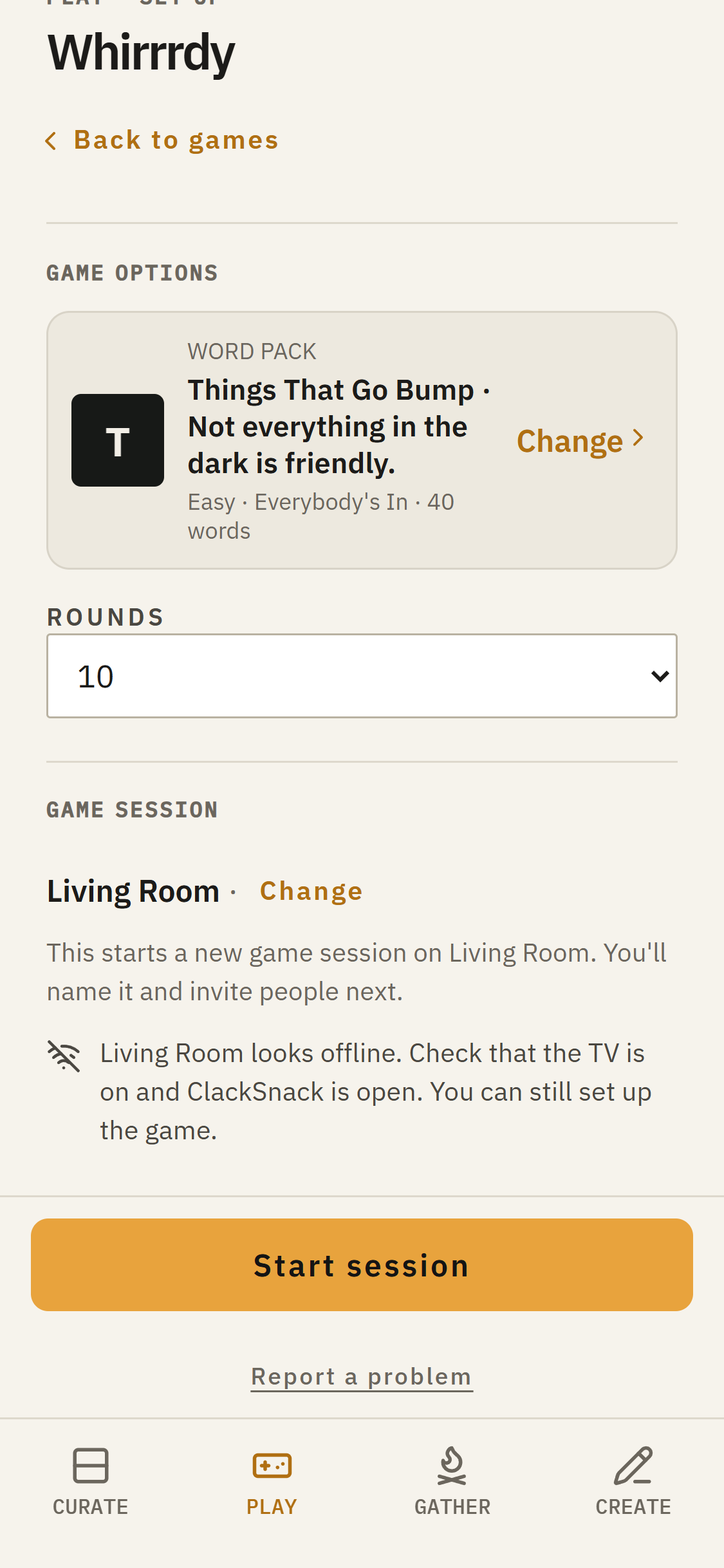
Each game has its own options. Whirrrdy asks for a word pack, difficulty level, and number of rounds. Doublecross Word needs a puzzle. Trivia games use a trivia pack, level, and question count. Speed Trivia also lets you set how long players have to answer.
Under Game session, check which Display you’ll use. Tap Change if you’d prefer another.
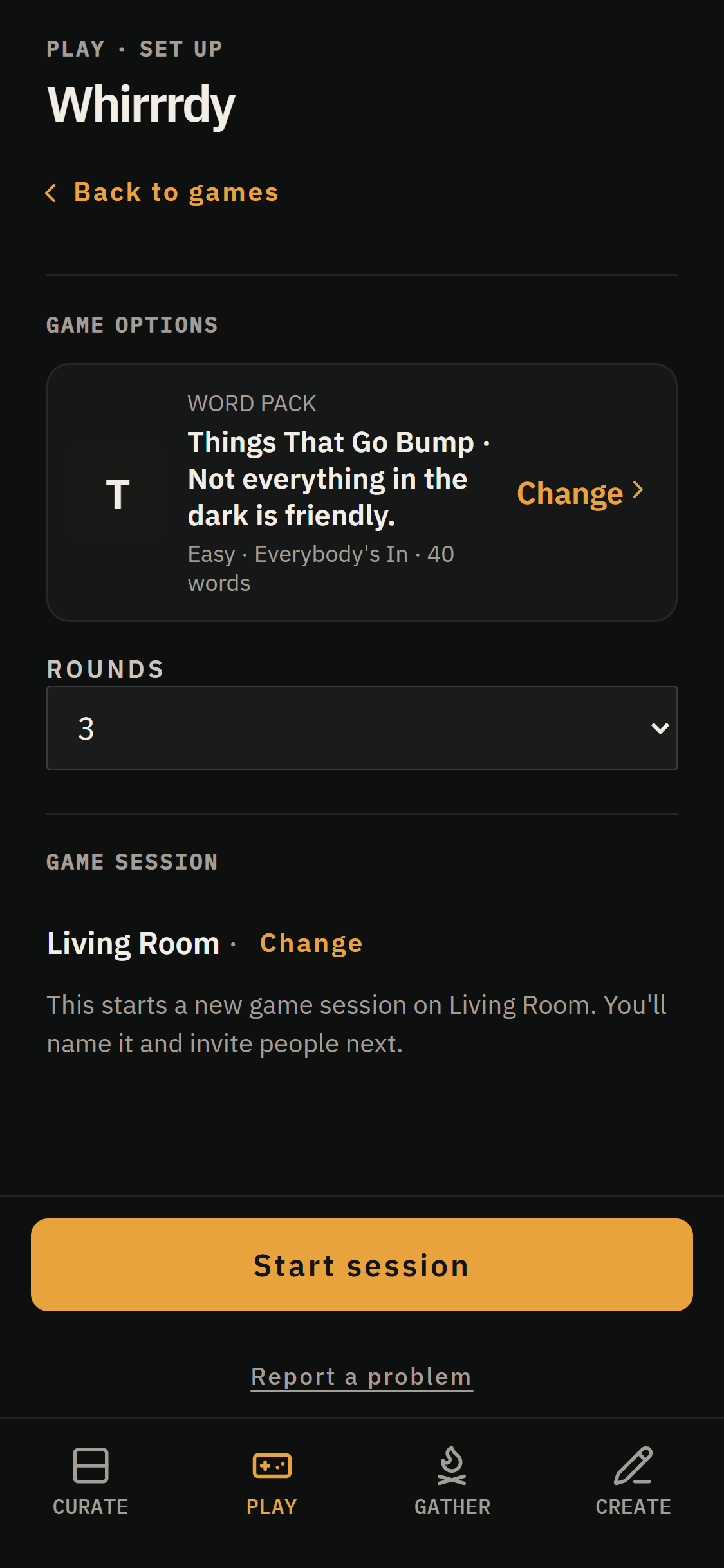
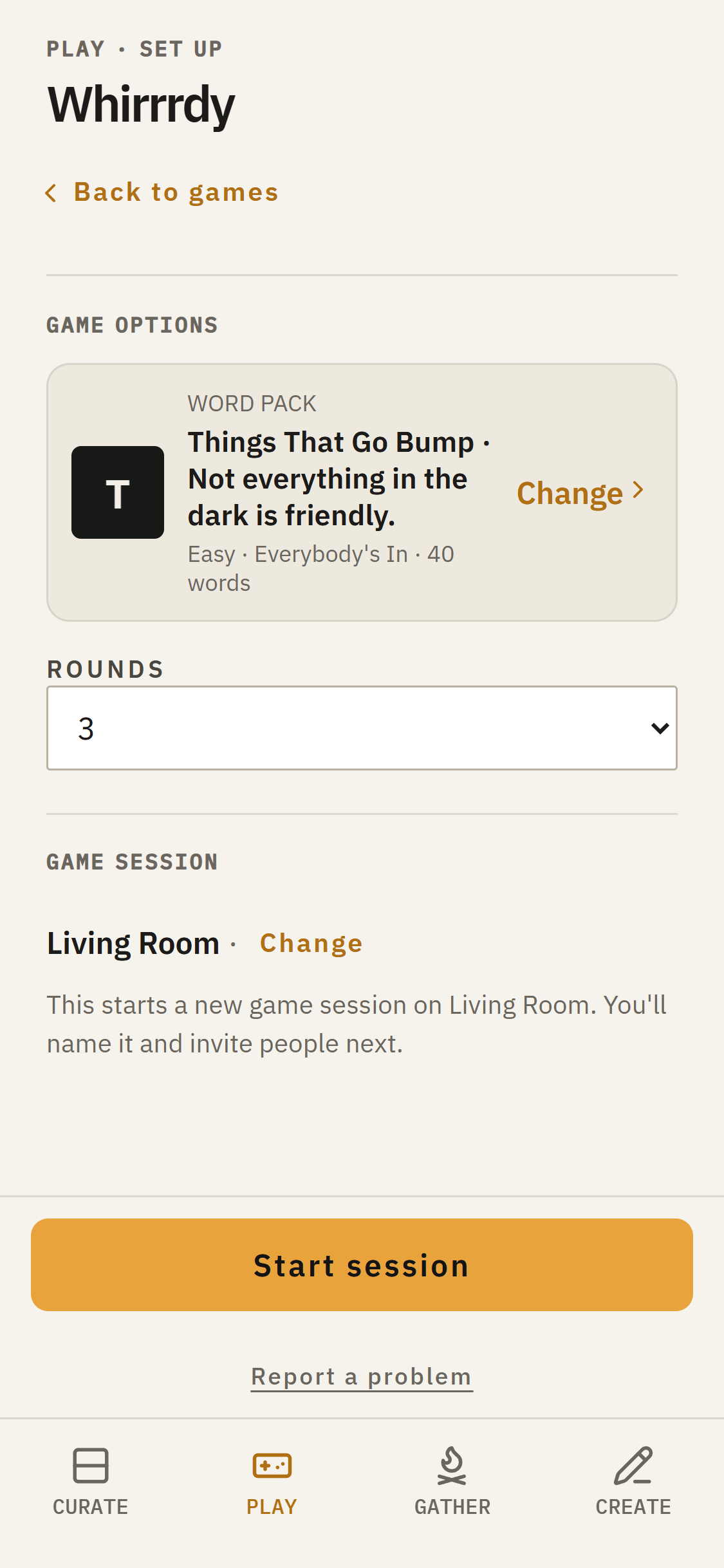
Tap Start session to open the lobby. Your session starts with a default name, but you can give it something of your own using Rename session in the lobby.
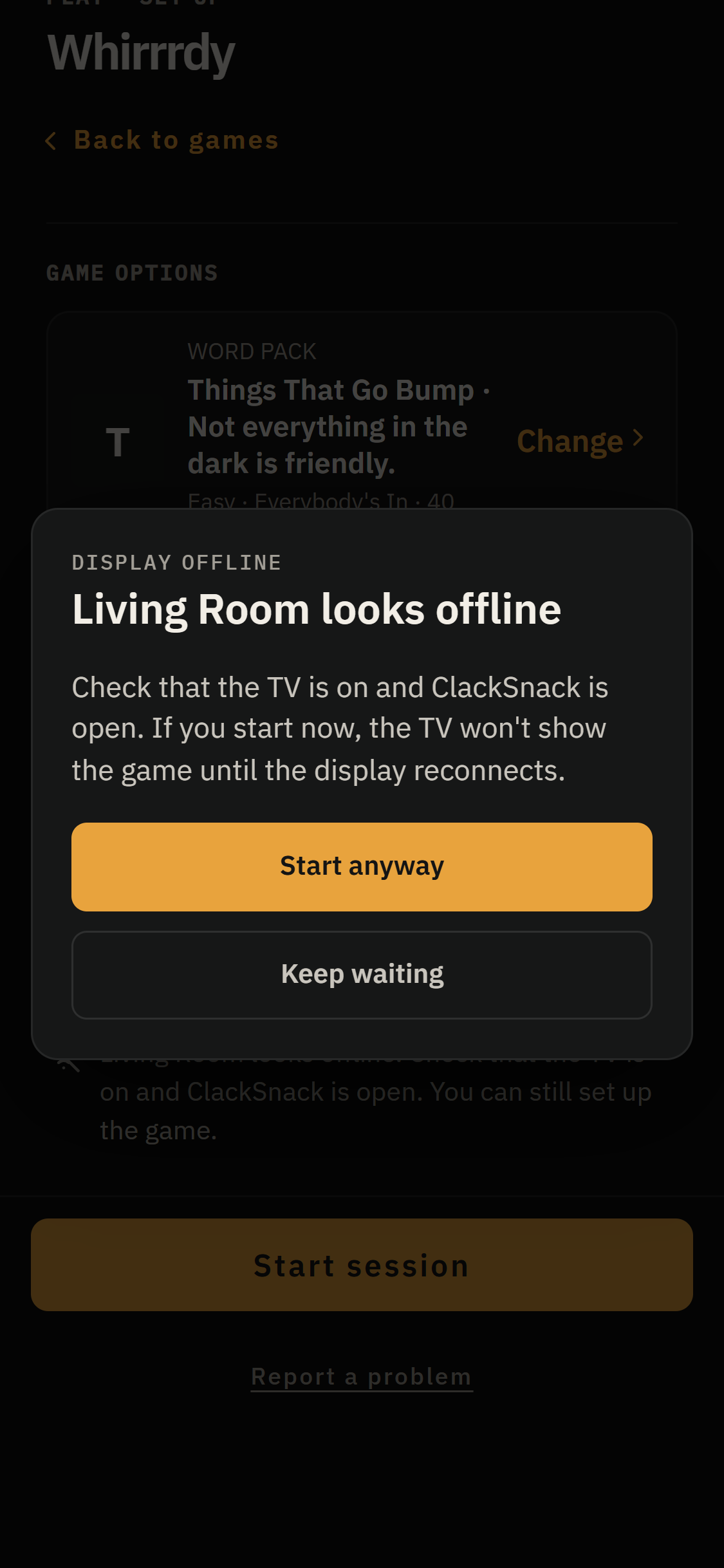
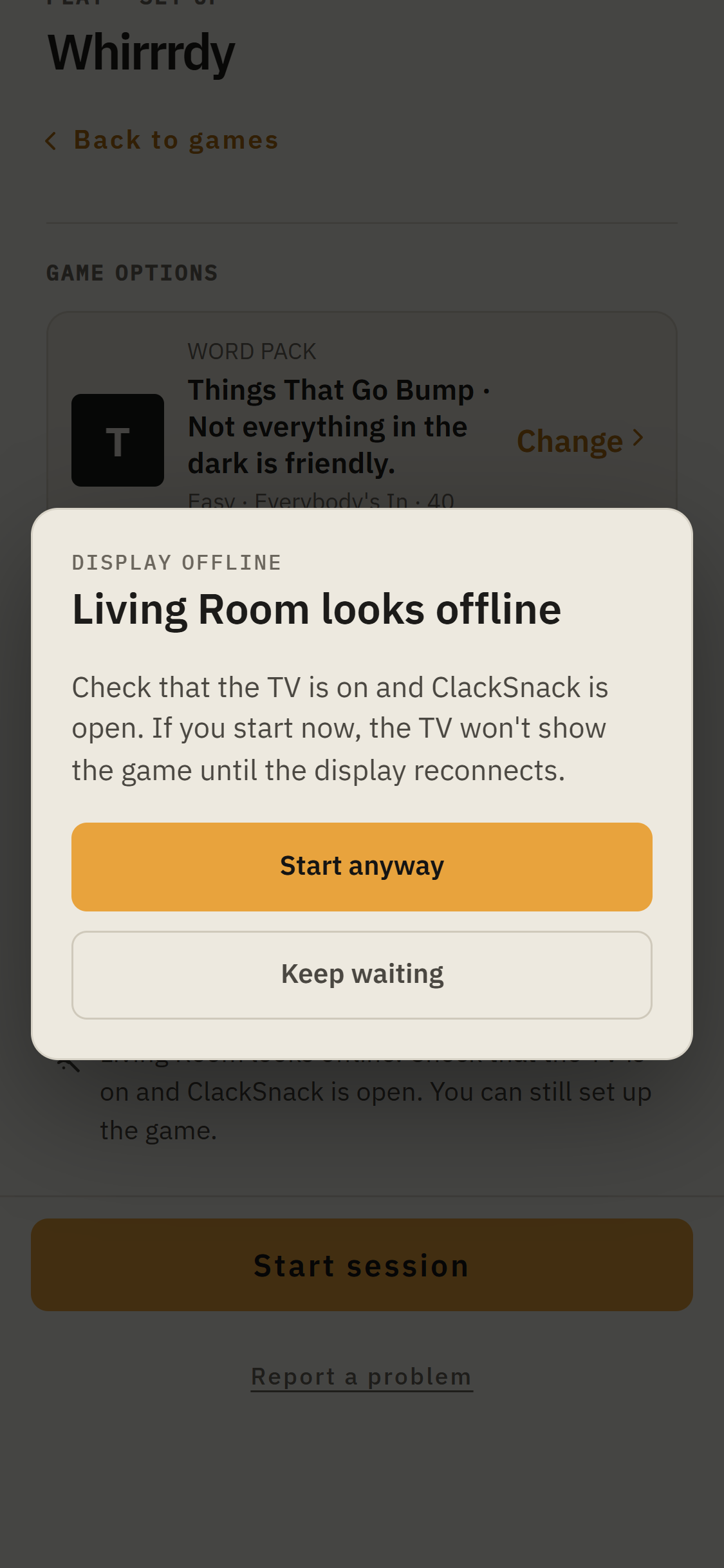
If the selected Display appears to be offline, Play will tell you before starting. Keep waiting gives it a chance to reconnect. Start anyway opens the session even while the Display is unavailable.