

First, open ClackSnack on the screen you’d like to use as a Display. You’ll see a code you can scan, along with an eight-character pairing code.
On your phone, open the Controller and choose Pair a display from Curate or Your displays.
Scan the code shown on the Display, or enter its pairing code and tap Pair.
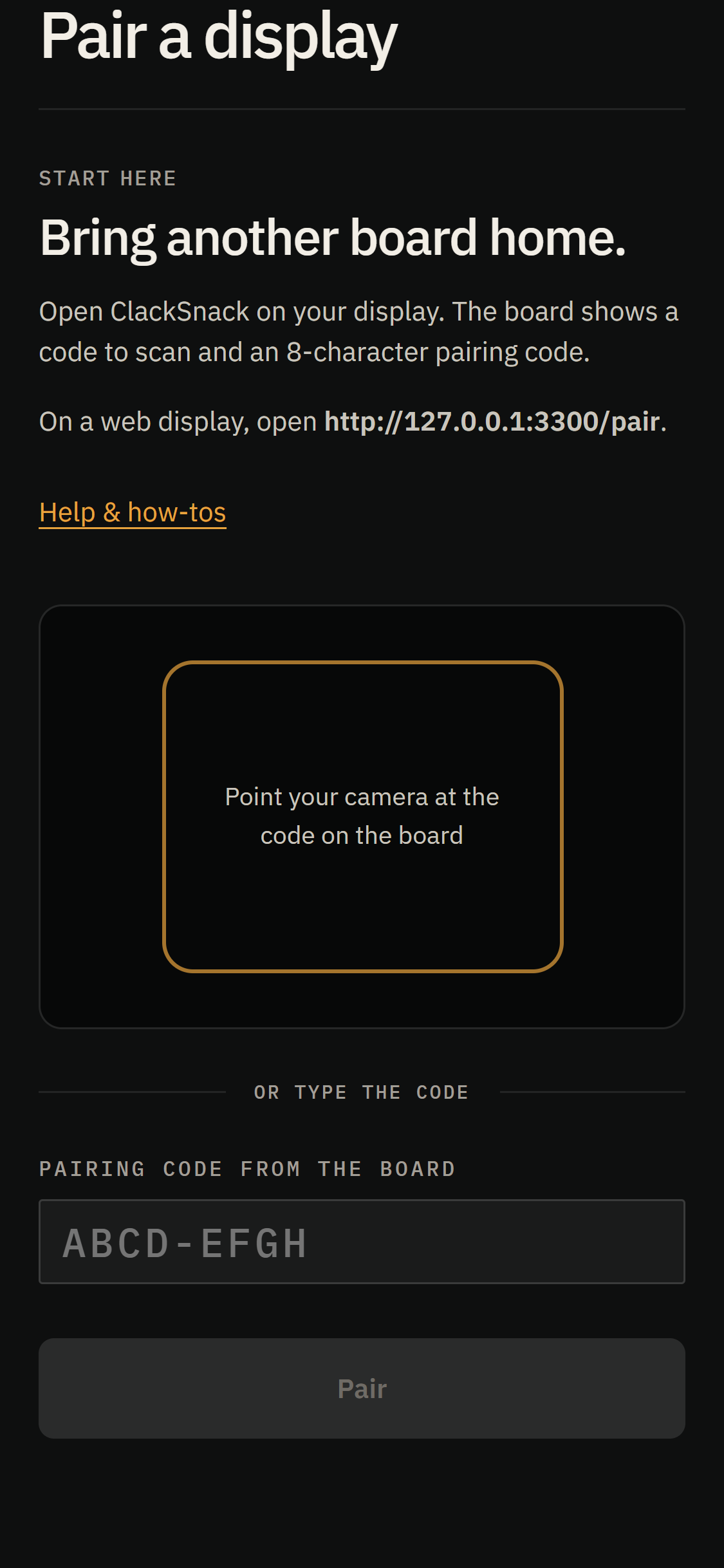
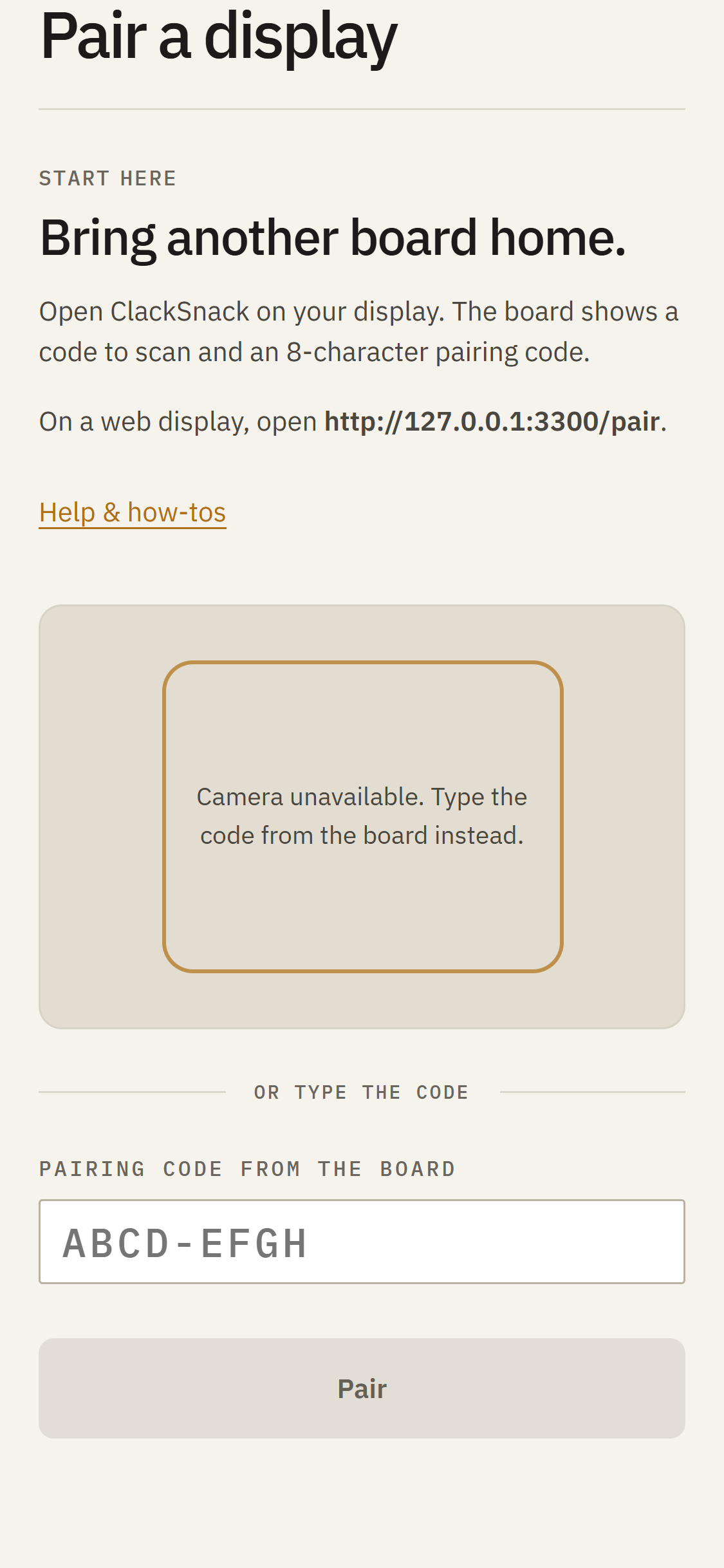
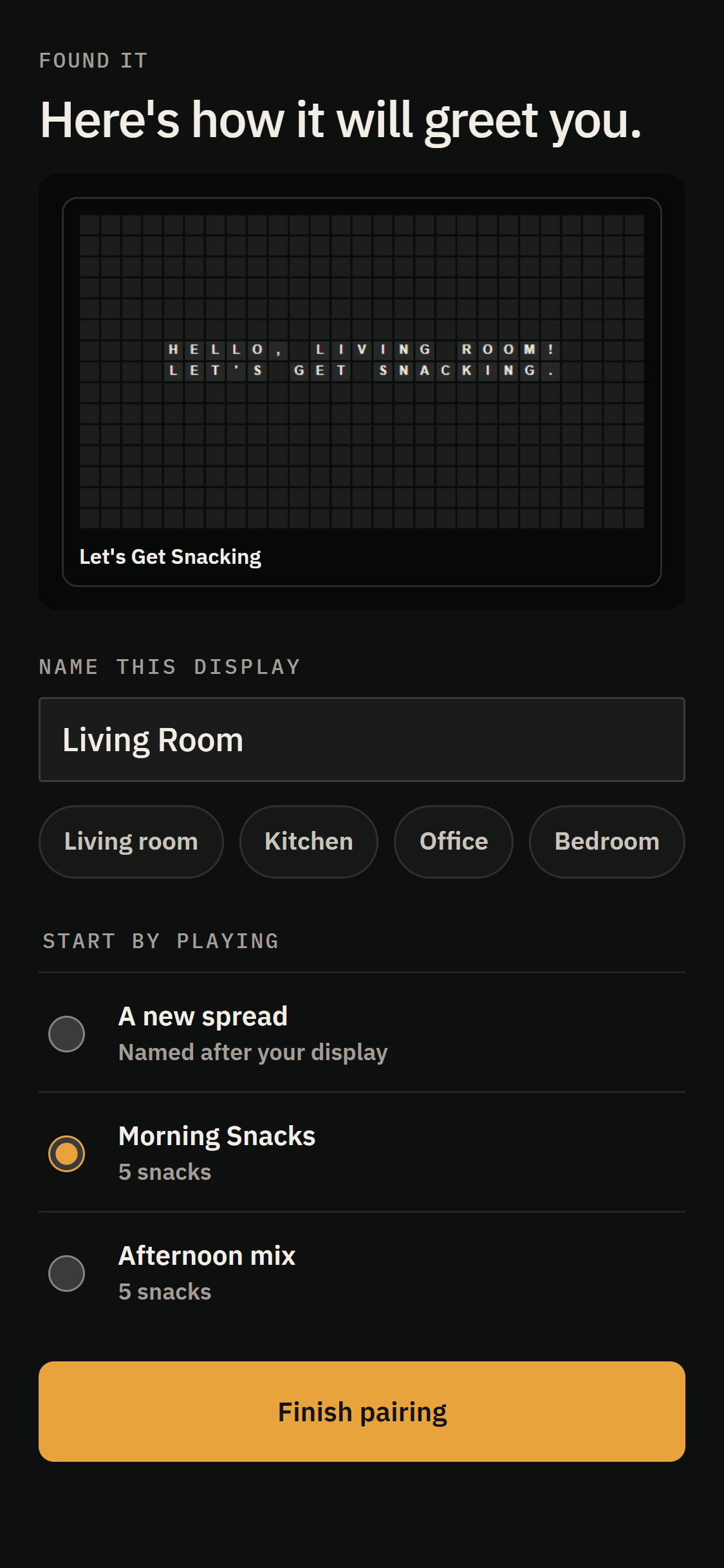
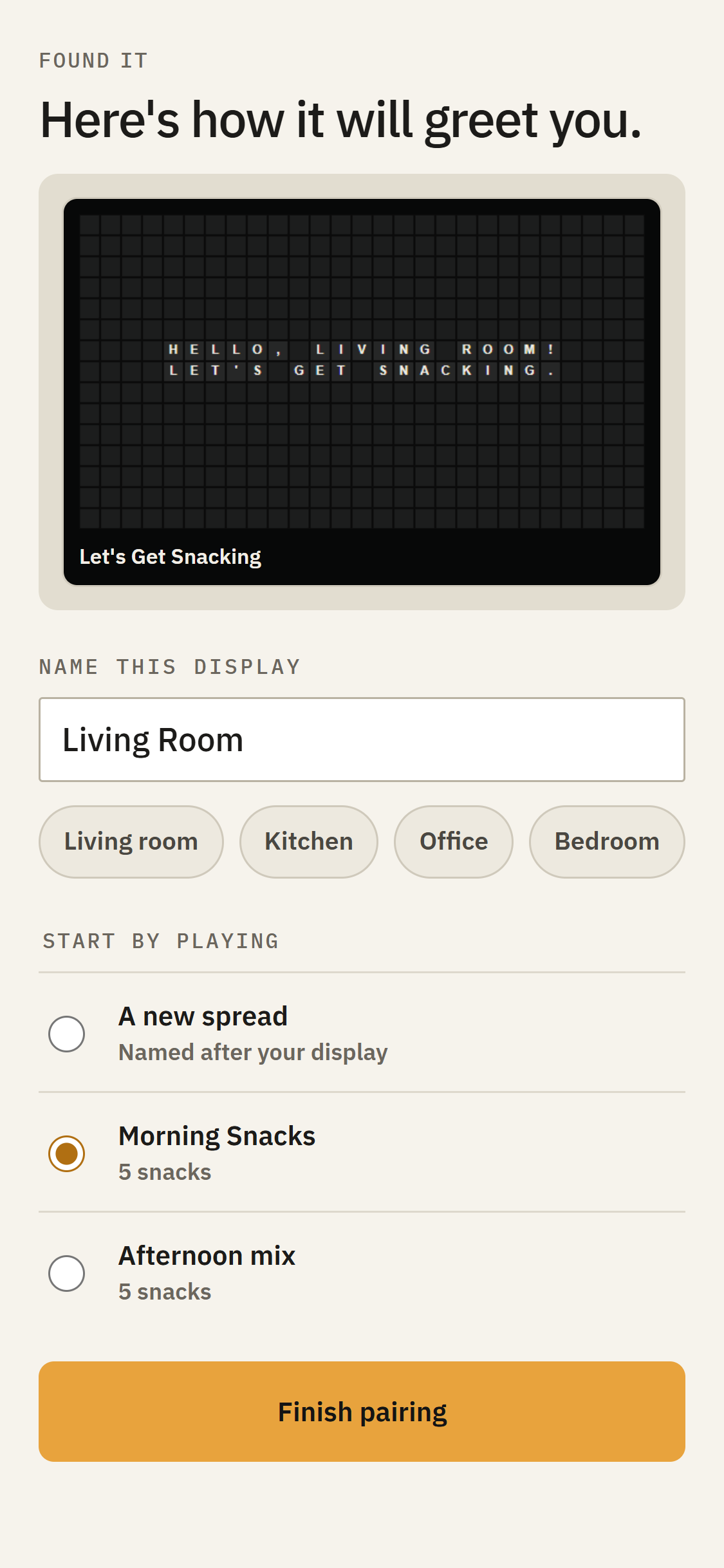
Give your Display a name, choose what it should Start by playing, and tap Finish pairing.
Next, you can adjust the sound to match the moving flaps, or choose Skip for now and come back to it later.
Tap Go to Curate to see your newly paired Display. You can always run another sound check from Display settings.