

Every Display can have a little character of its own.
On Curate, tap Display settings beside the selected Display’s name.
Under Look, you’ll find Board theme, Palette, and Glyphs. The Palette determines how the colored flaps appear on this Display. Change it as often as you like; your Snacks themselves stay the same.
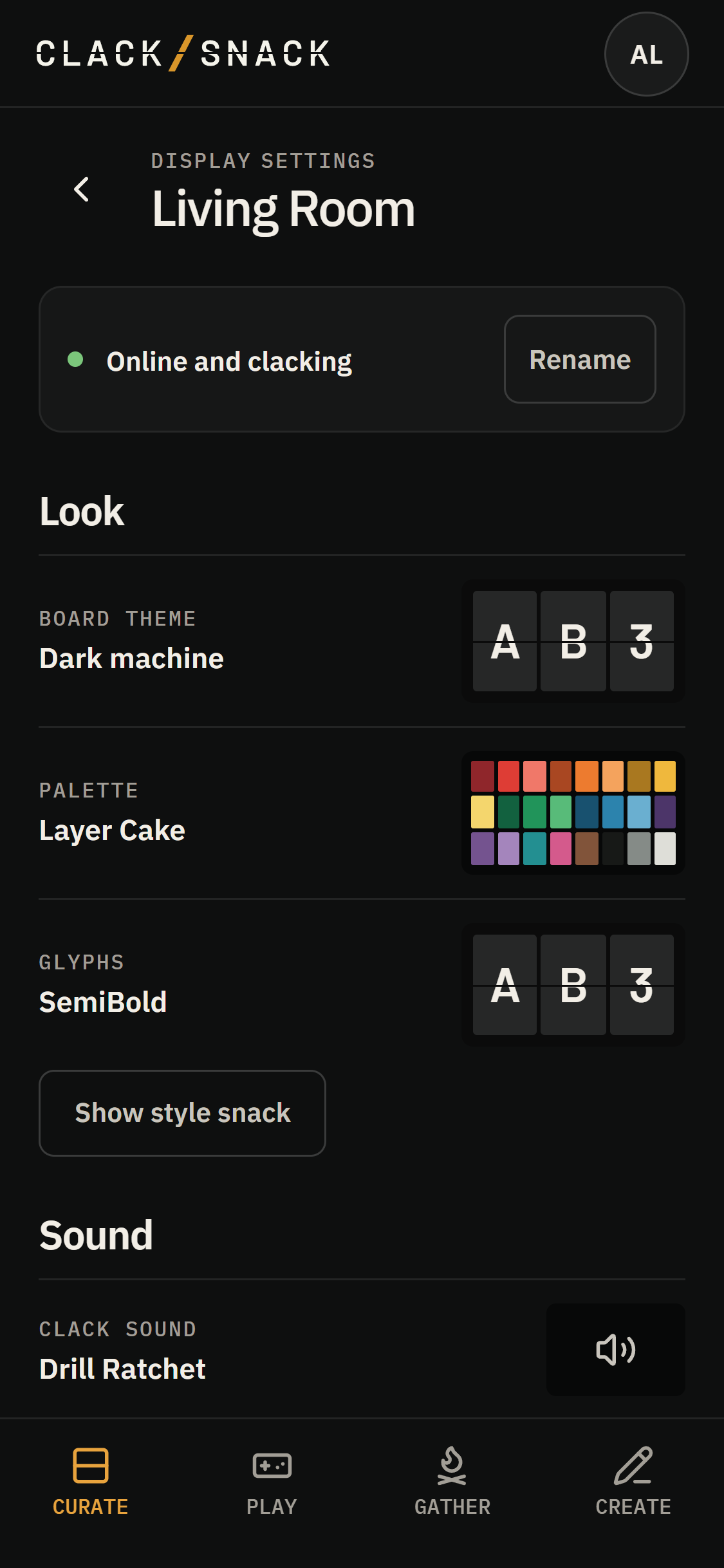
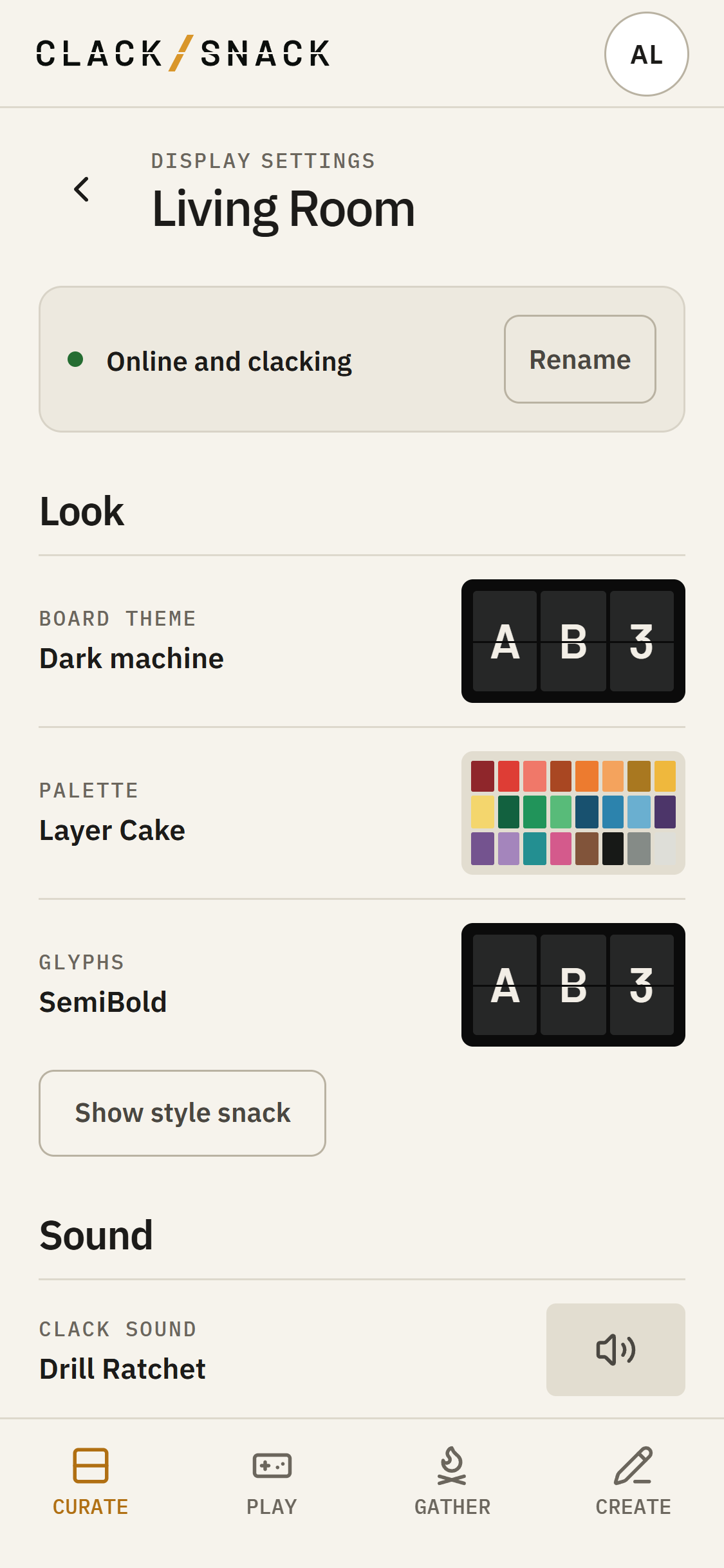
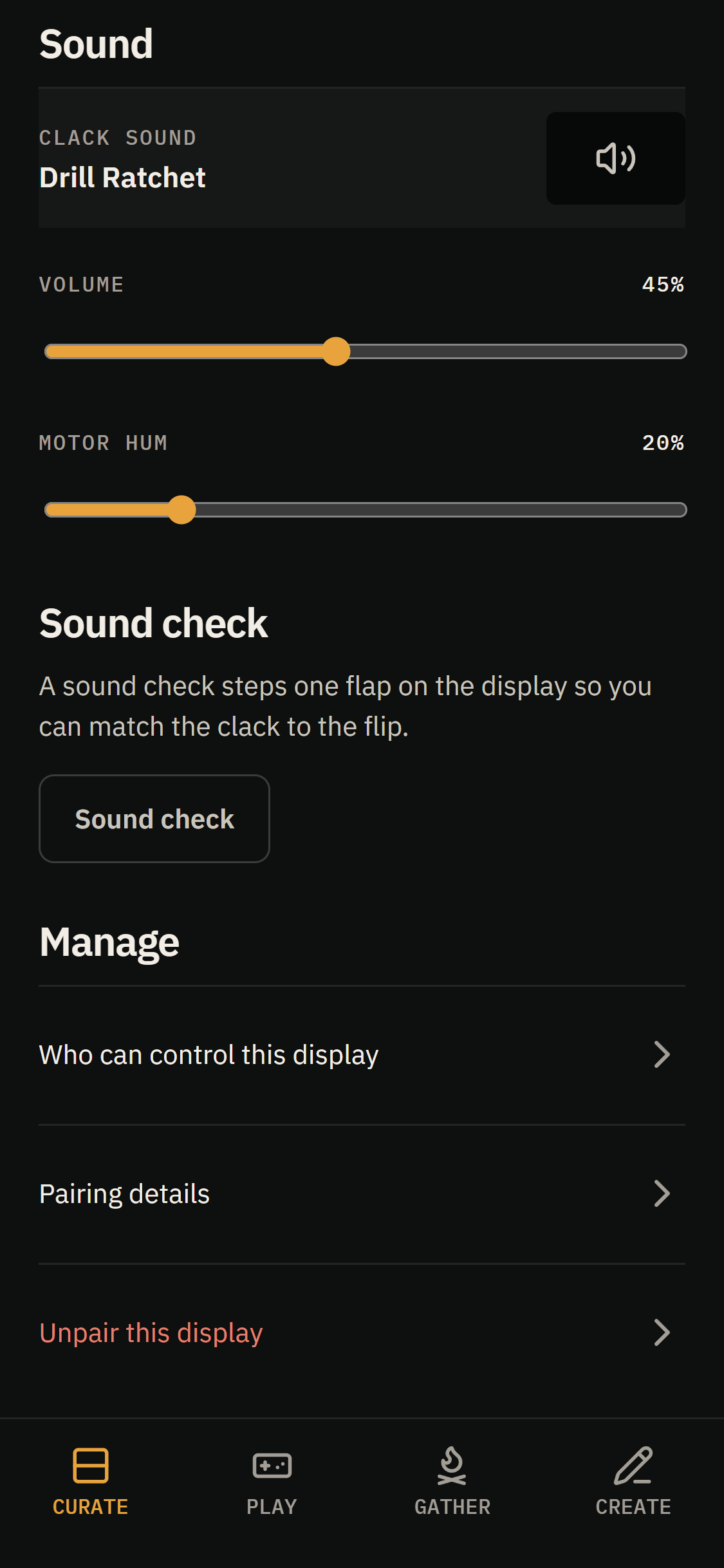
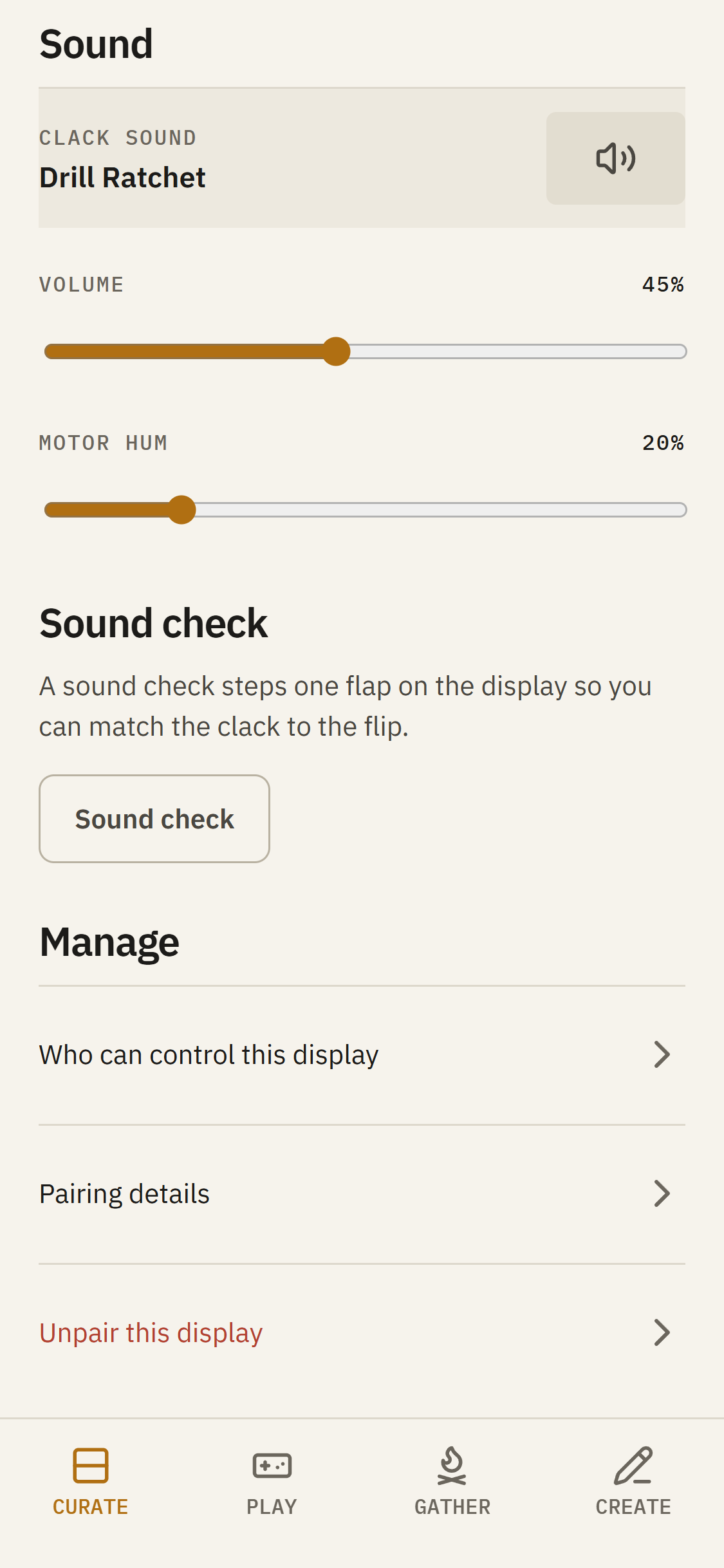
Under Sound, choose your Clack sound and adjust its level.
Sound check steps a flap so you can match the sound to the movement. It pauses the Spread while you make your adjustments, then returns to it when you’re finished. During a Sound check you can also adjust the delay.
To work with a different Display, tap the current Display’s name on Curate and choose another from Your displays. That selection lasts for this visit.
Tap the star beside a Display to make it the default on this phone. You can also open Display settings directly from the list.