

You don’t need the Controller or an account to join the fun.
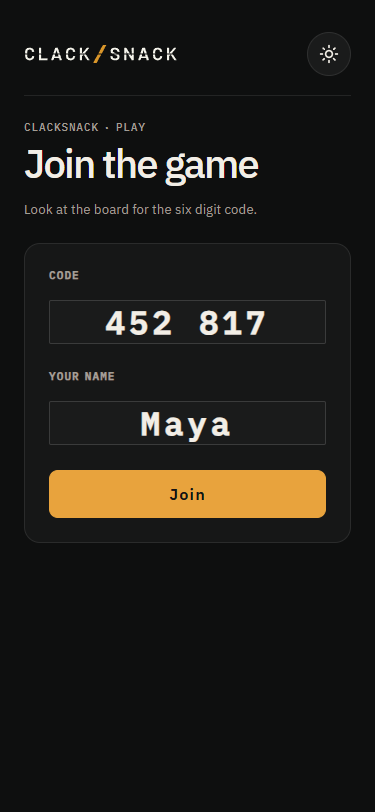
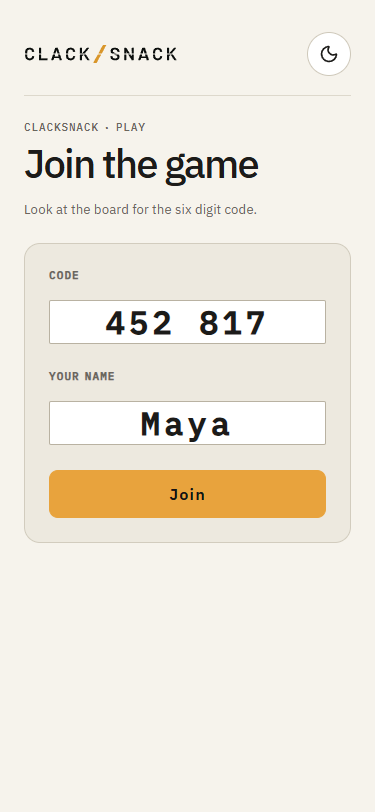
Guests can open an invitation link right on their phones. Or they can visit the join page, enter the six-digit code shown on the Display, choose a name, and tap Join.
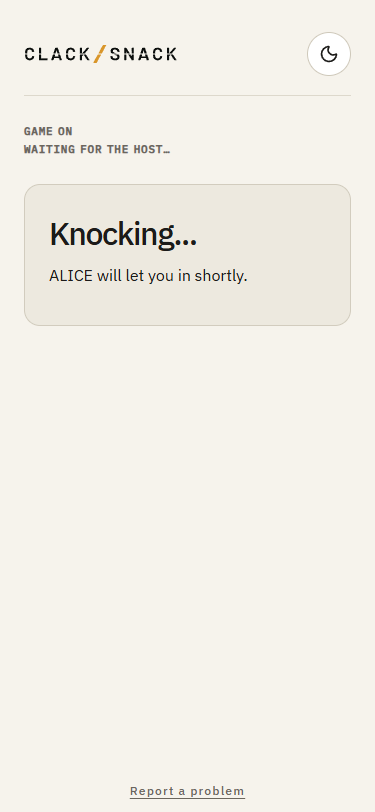
The host welcomes them in from the waiting list.

If you’re signed in as a household member, open Play and tap Join on the session card. Your household name comes along automatically, so there’s no code to enter or approval to wait for. You might also see an invitation appear in your open Controller.
Your phone becomes your place in the game. Keep an eye on the Display for the shared clues and questions, then use your phone to answer.
From the player menu, you can choose Watch this round if you’d rather sit one out, or Leave the session when you’re ready to go.