

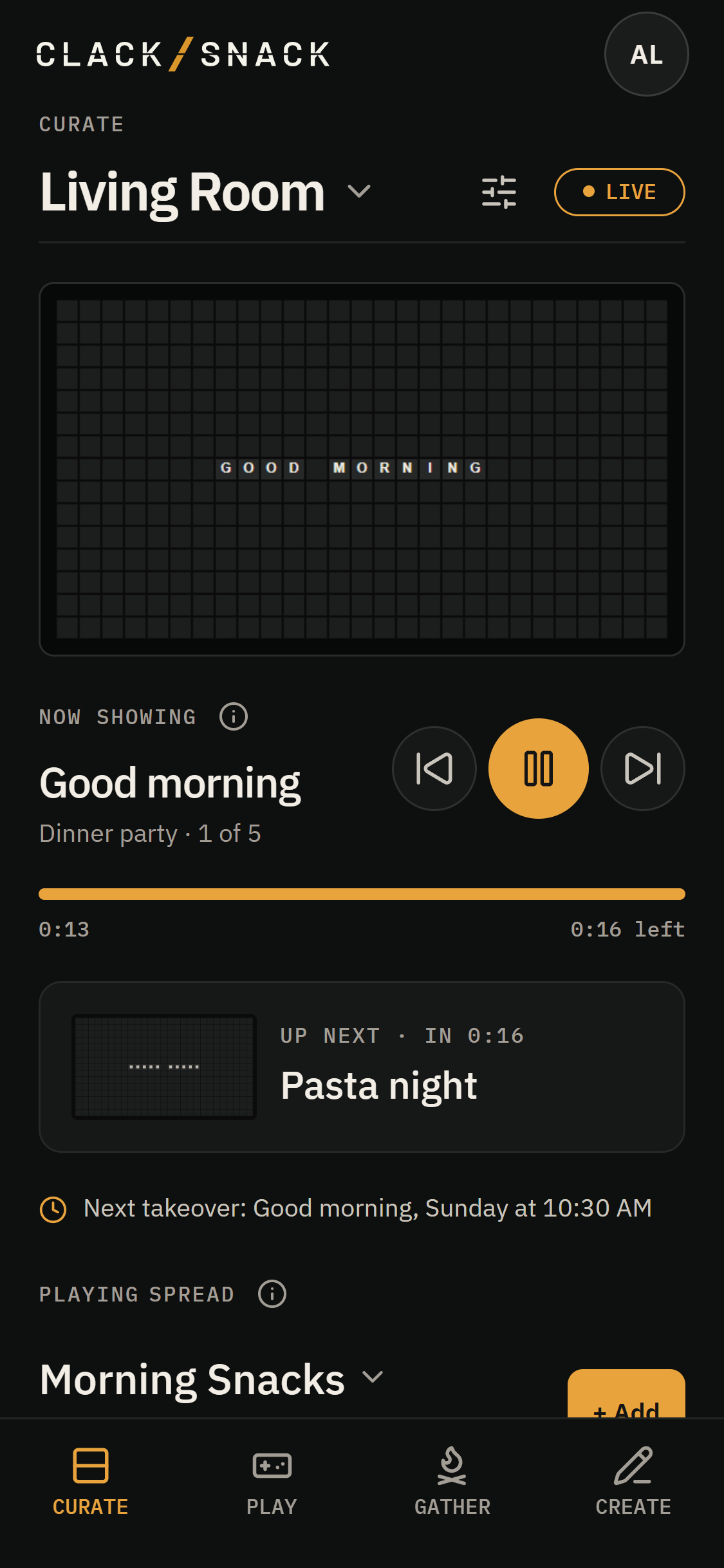
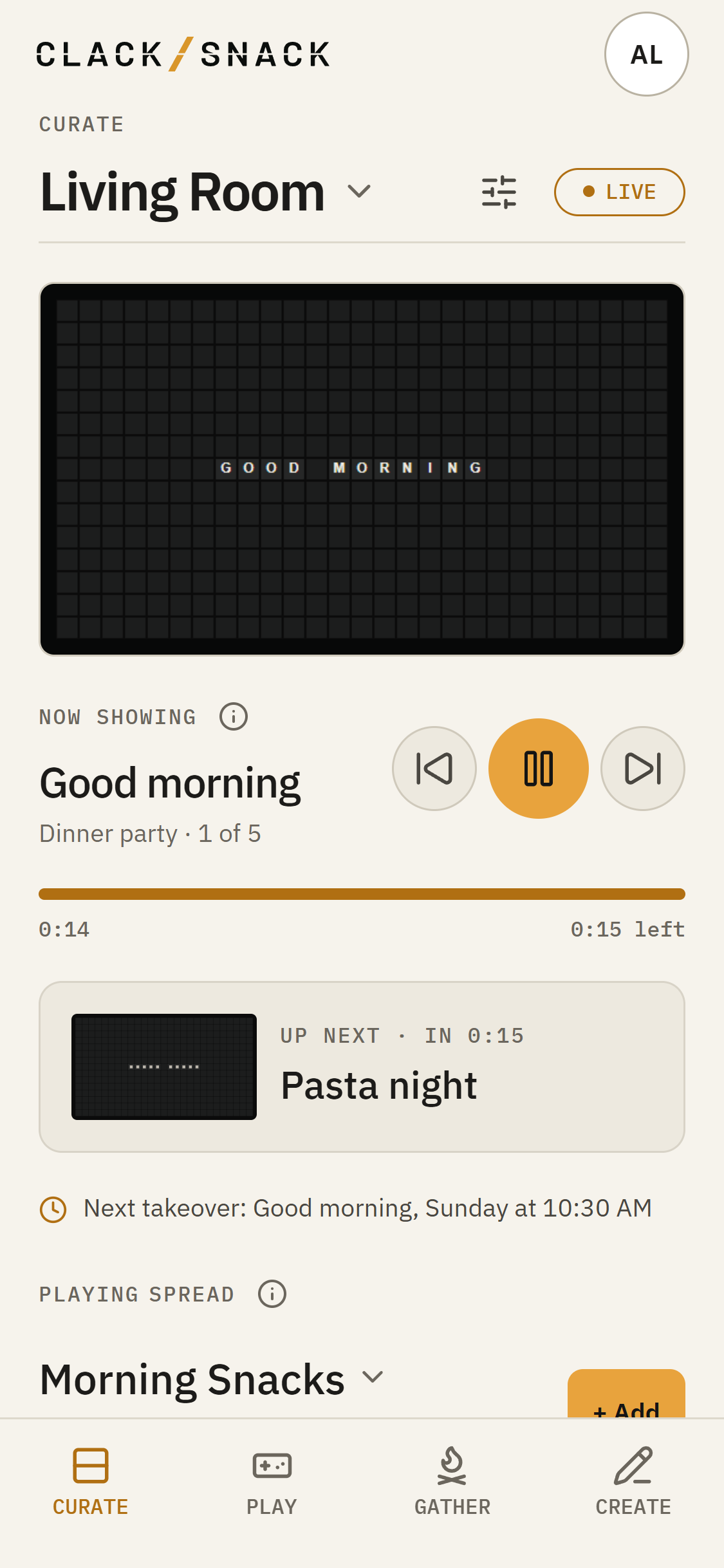
Curate shows the Display you've selected at the top of the page. Tap its name to choose another Display. The card below shows what's playing now. If you have no Display yet, Curate shows Pair a display to get started.
Playing now
Use Previous snack, Pause, or Skip to next snack below the preview. Pause keeps the current Snack in place; the same button resumes it. When a Snack is timed, the progress bar shows how much time has passed and how much remains.
Up next appears when something is queued. A scheduled takeover can briefly take the board, then the Spread picks up where it left off.
Your Spread
The playing Spread sits below the card. Tap Add to put a Snack or Pack into it. Changes go live right away. Use Order to play in order, shuffle packs, or shuffle all. At the end decides whether the Spread loops or stops.
To change how your Display looks and sounds, open Display settings beside its name.