

Words and drawings can share a Snack. Start in Write or Draw, then switch modes to add the other part. The board preview shows how they'll look together.
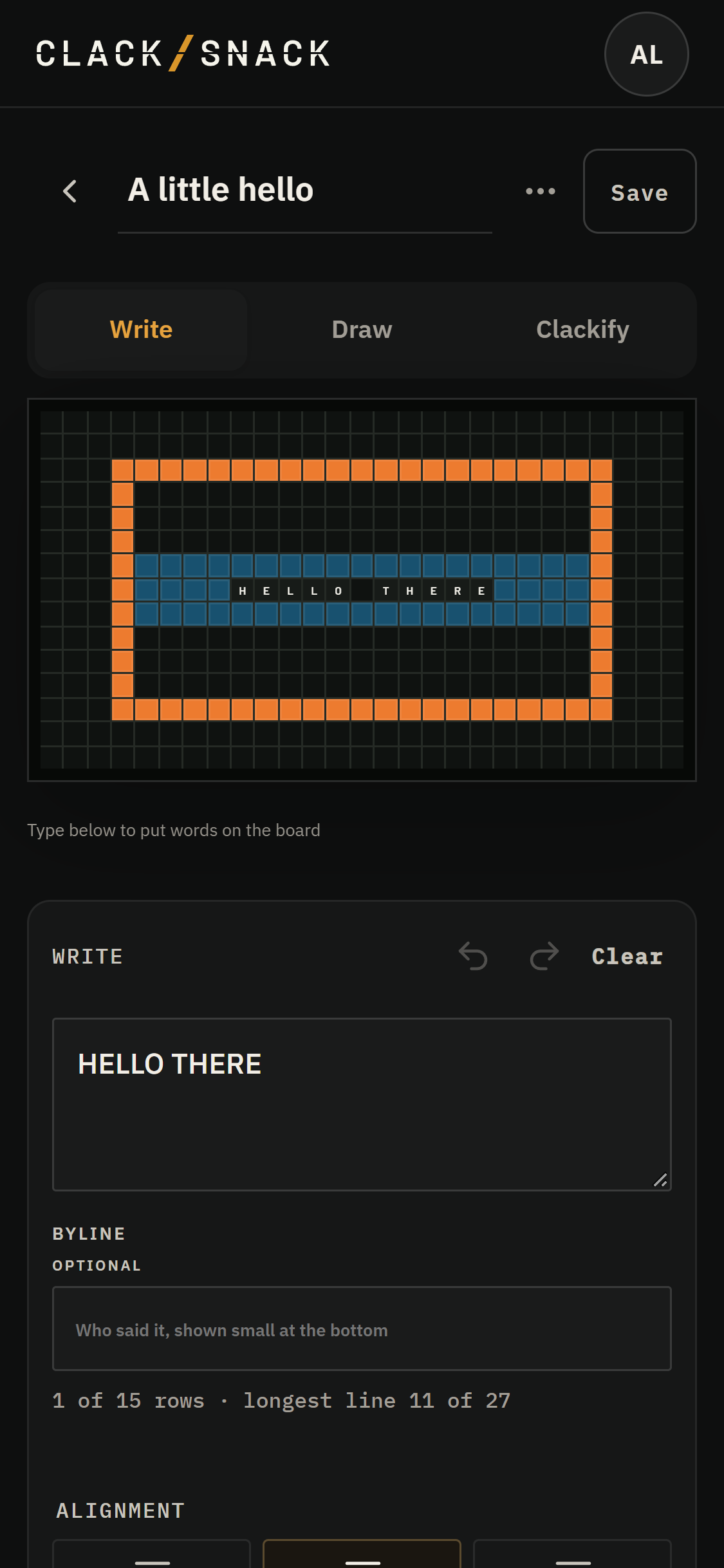
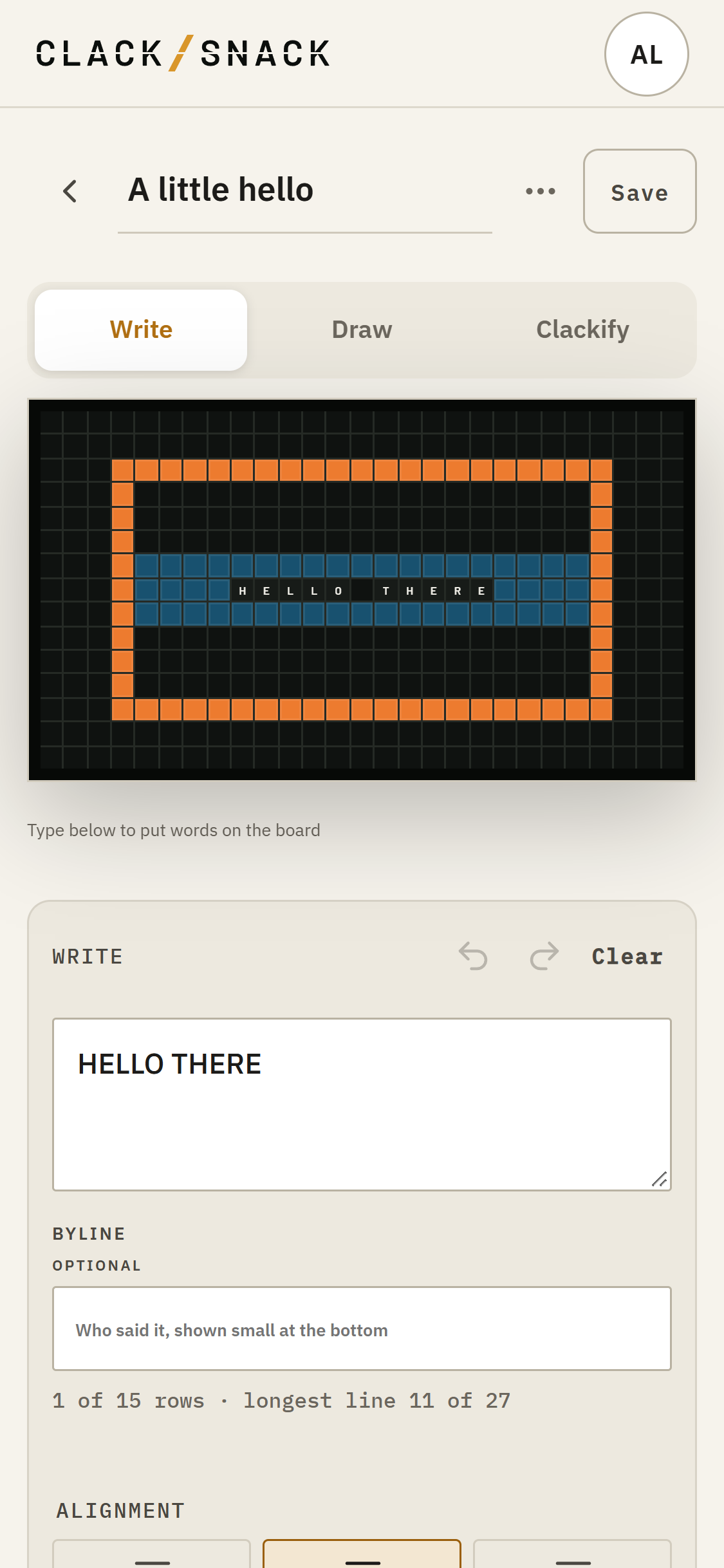
The drawing sits underneath the words. Each letter takes the machine it occupies, and spaces within a line of words make a clear strip across the picture. The drawing is still there beneath that strip. Move or remove the words, and that part of the picture can appear again.
In Draw, tap Hide words to see the whole picture while you paint. This only changes what you see in the editor; it doesn't remove the words from your Snack. Tap Show words to see the finished board again.