

Choose New snack, then Draw, or switch an editable Snack to Draw. Pick a color beneath the board and use Pencil to paint one machine at a time. Colors follow each Display's palette, so the same drawing can wear a different set of colors in another room.
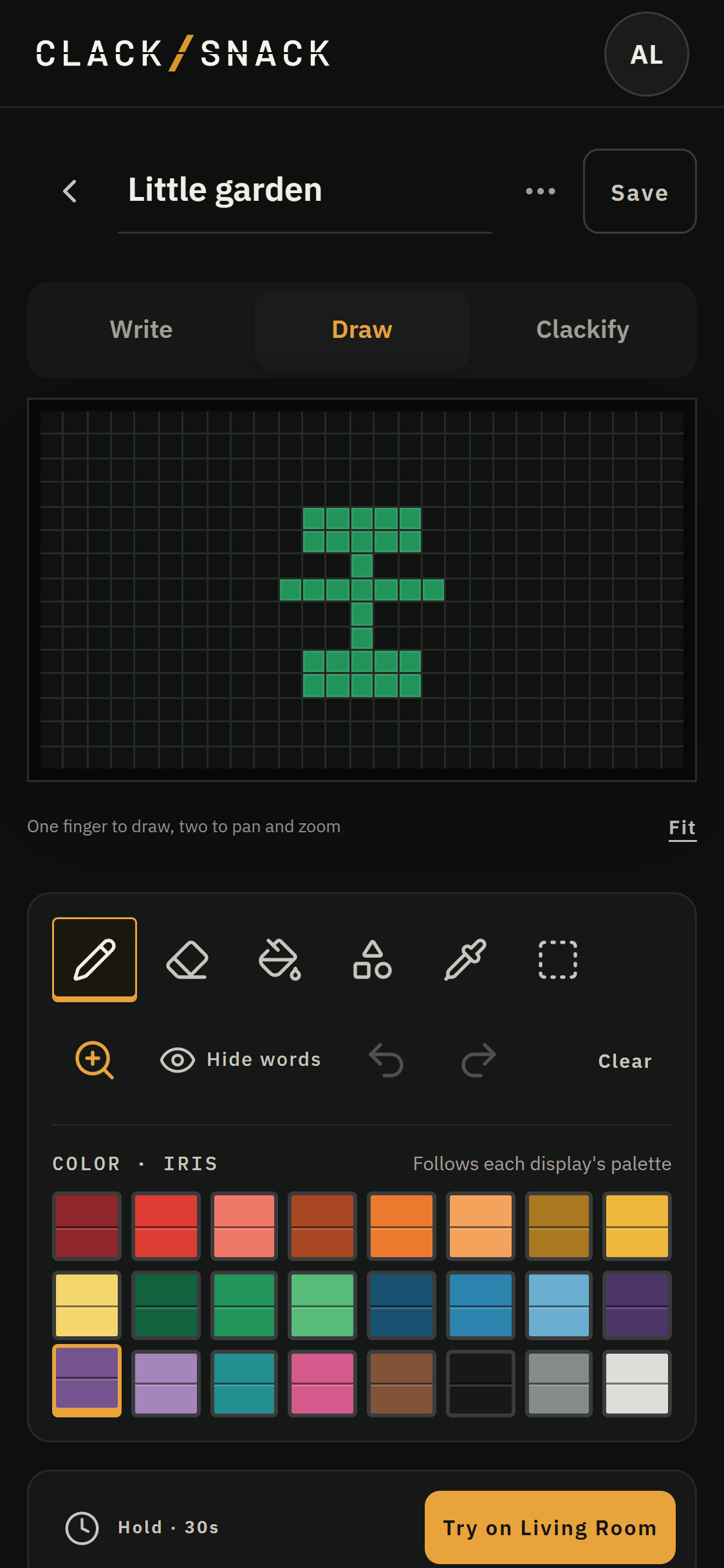
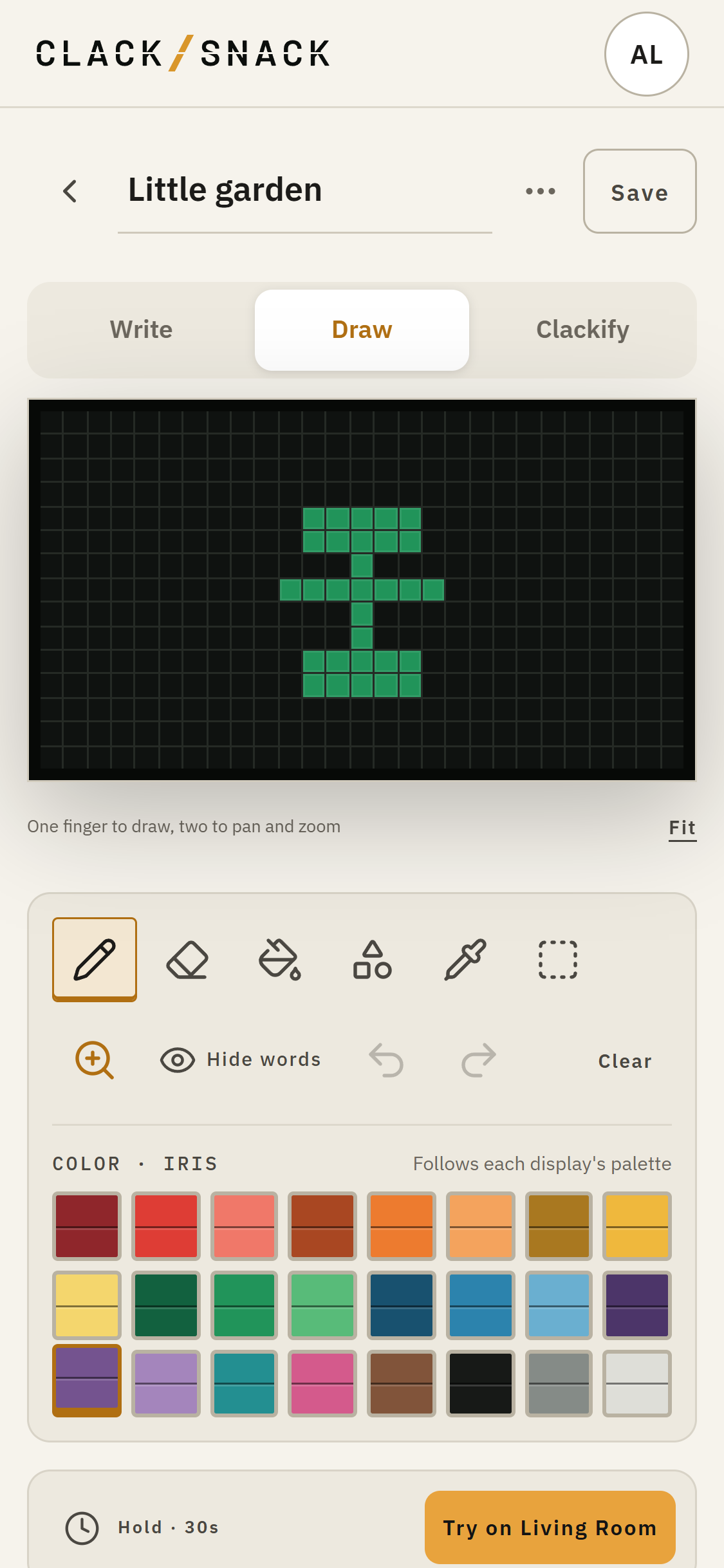
The toolbar gives you Eraser, Fill, and Shapes (Line, Box and Oval). Use Eyedropper to pick up a color already on the board. Selection lets you move, copy, paste or flip part of a drawing. Loupe helps you get a closer look on touch screens.
Use Undo and Redo to step through your edits. Clear removes the drawing in one step, and you can undo it. If your Snack also has words, Hide words lets you see the picture underneath while you draw. Show the words again when you're ready.