

Choose New snack, then Write, or open a Snack and switch to Write. Type your message in the Words box. The board above shows how it'll look. Give the Snack a name in the field at the top; a new word Snack may suggest one based on your text.
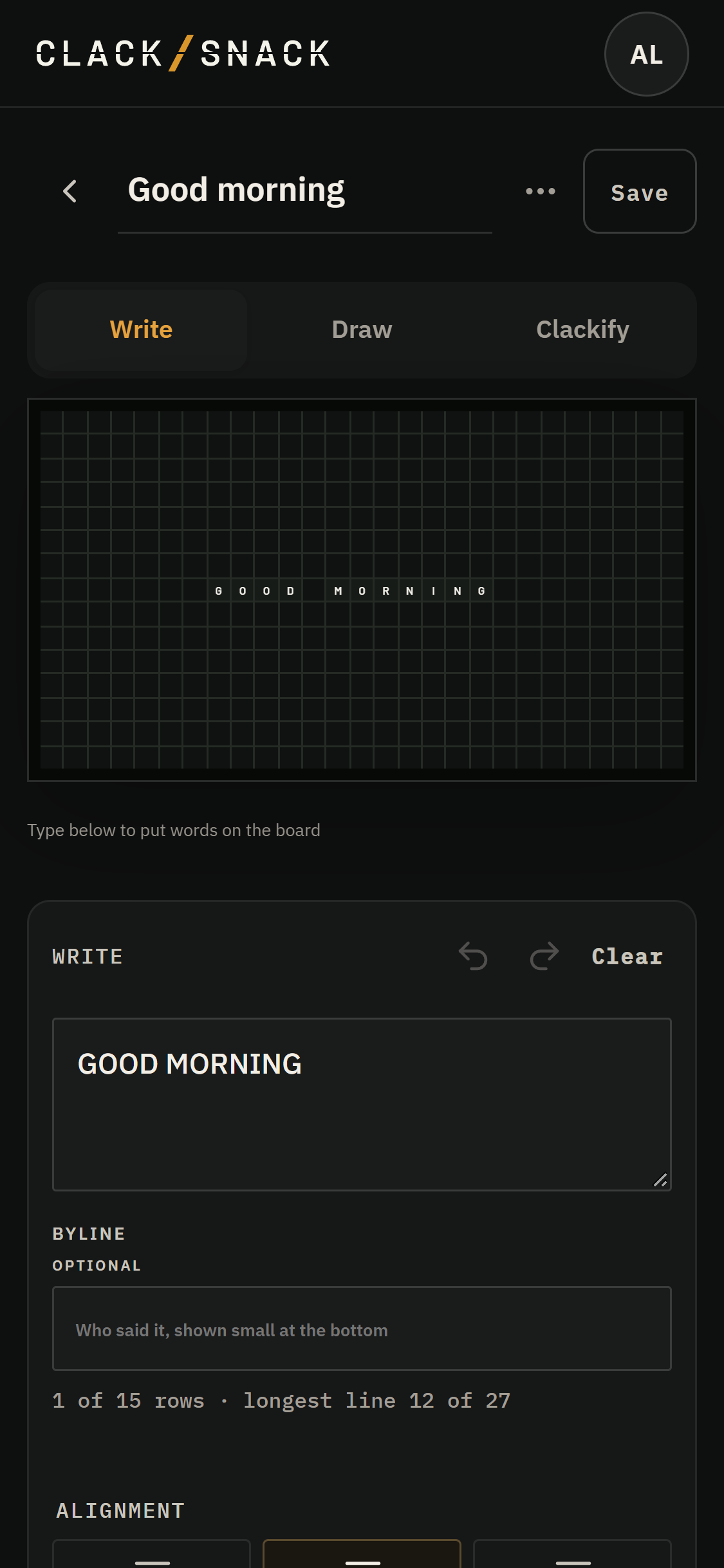
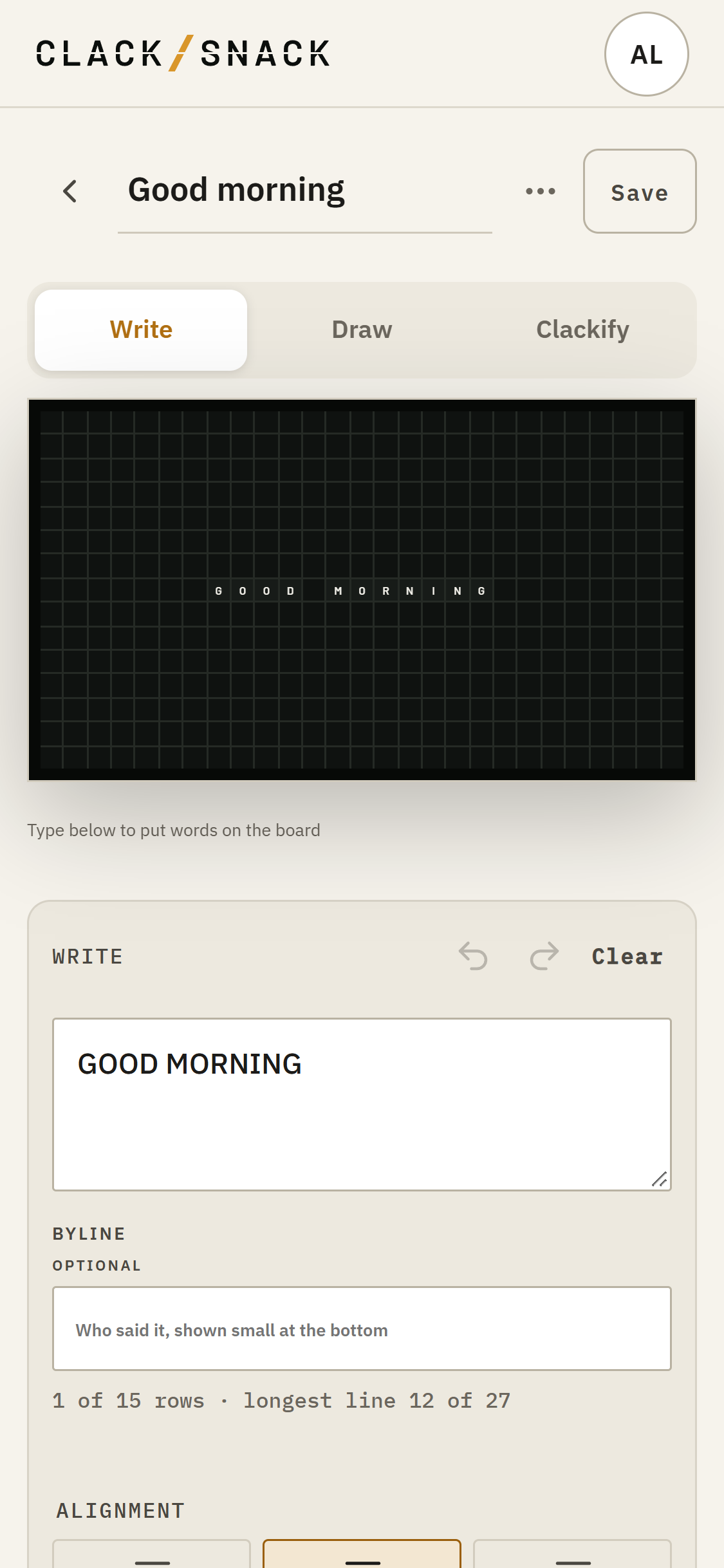
Use Alignment to place your words left, center or right. Position moves them to the top, middle or bottom. Margin leaves zero to three machines around the edges. Choose zero to use the whole board.
Open Fine tune layout for Text width, Nudge one machine, and Board behavior. Long lines can wrap, stay on one row, or be skipped if they don't fit. The fit line warns you when letters fall off the board. If the board can't show a character, it leaves a blank; the editor tells you which characters are affected.
Set Hold to choose how long the finished Snack stays after the machines settle. Then tap Save. The arrival takes a little time. Your words can stay a while, too.