

From Your library, tap New pack and give it a name. Open Add snacks to choose from your library. Want to make something new? The New snack tile lets you do that without leaving the Pack. When you save the new Snack, it joins at the end.
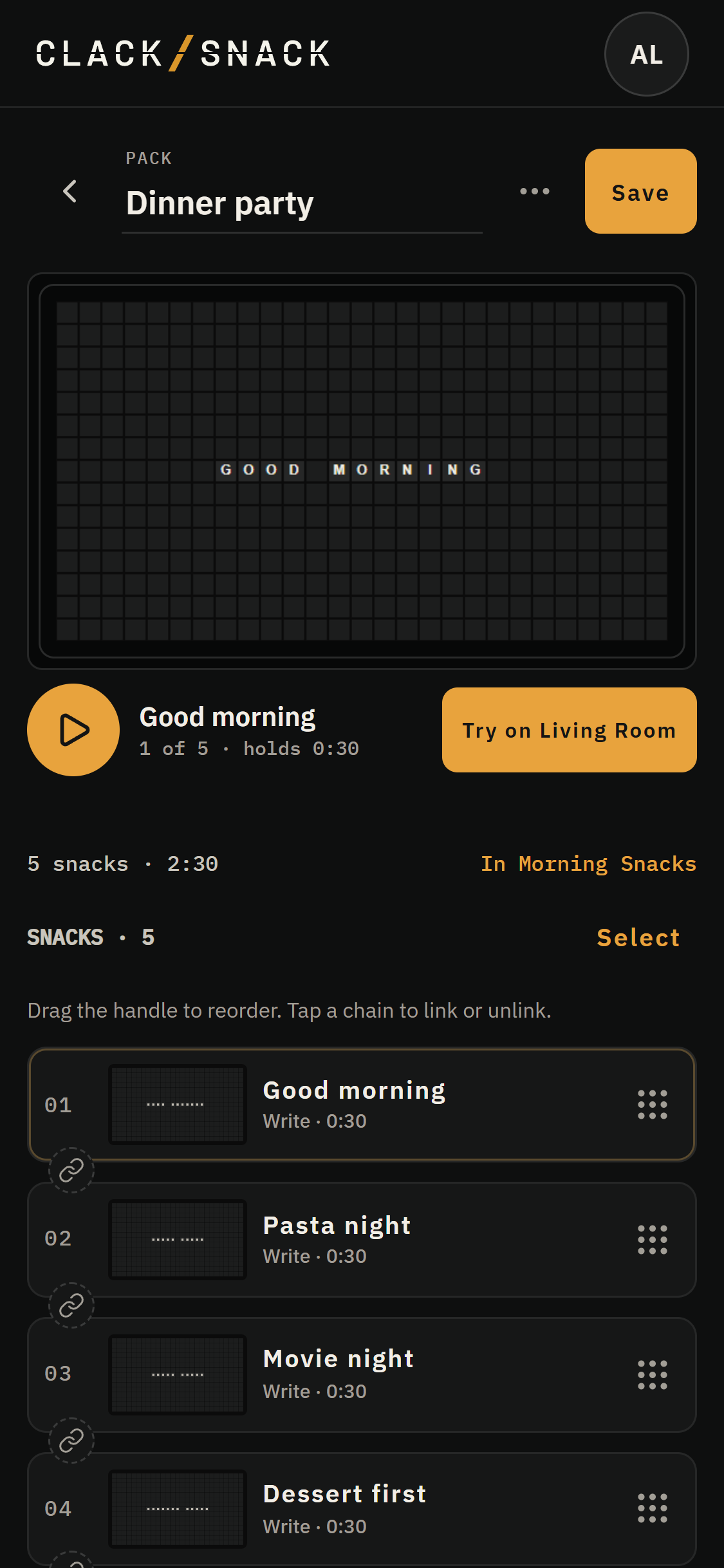
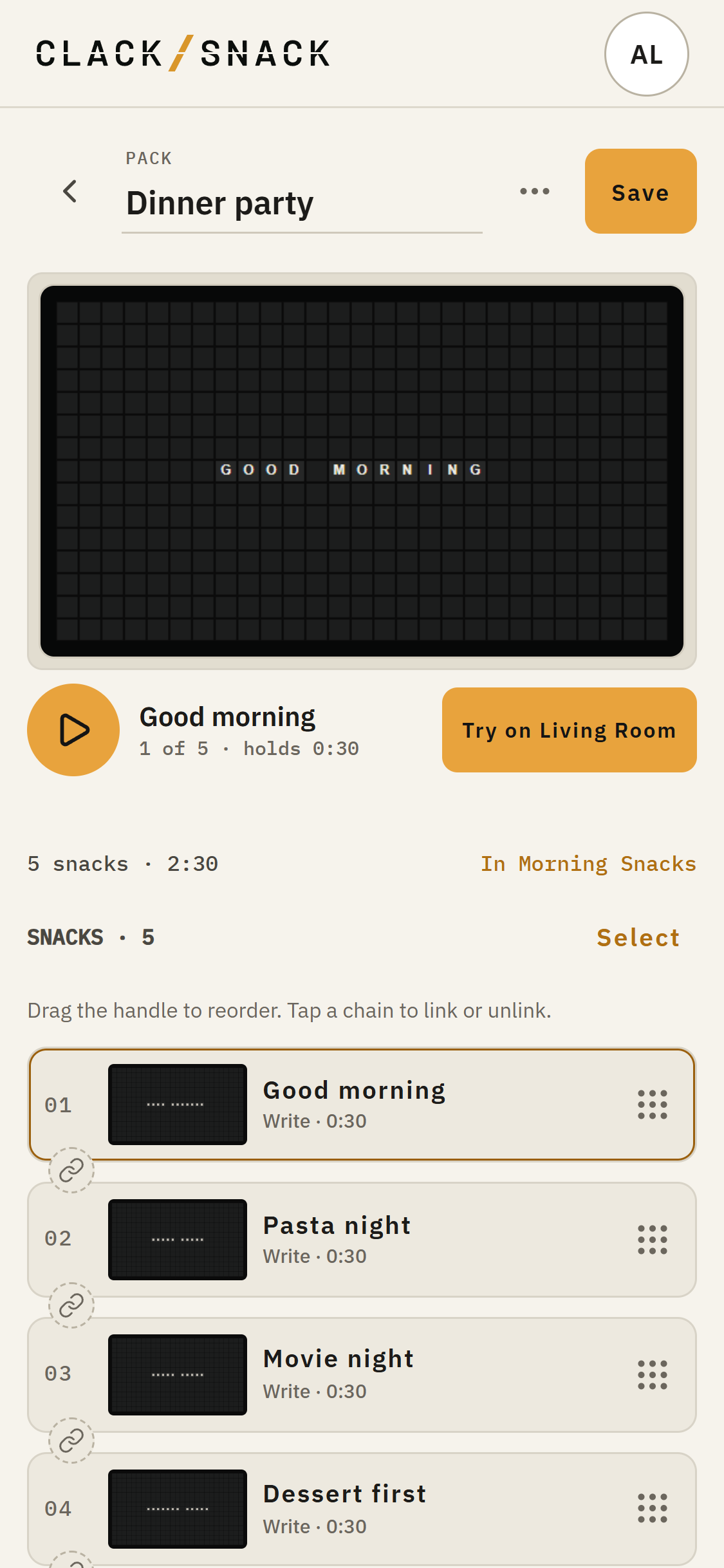
Drag a row by its handle to change the order. Swipe left on a row to remove it from this Pack. Remove doesn't delete the Snack from your Library. Tap a row to see its actions, or use Select to work with several rows when linking or unlinking them.
The board at the top previews the Pack. Play through the pack runs through its Snacks on your phone at preview speed. Try on plays the saved Pack on your selected Display when one is on. Save your changes first.
Tap Save to keep the Pack's name and order. From a Snack opened inside a Pack, Back to Pack returns to the Pack. Back to Library takes you from the Pack to your Library.