

Some Snacks belong together. A setup and its punchline, for instance, deserve to arrive in the right order. Link neighboring Snacks in a Pack when one needs the next.
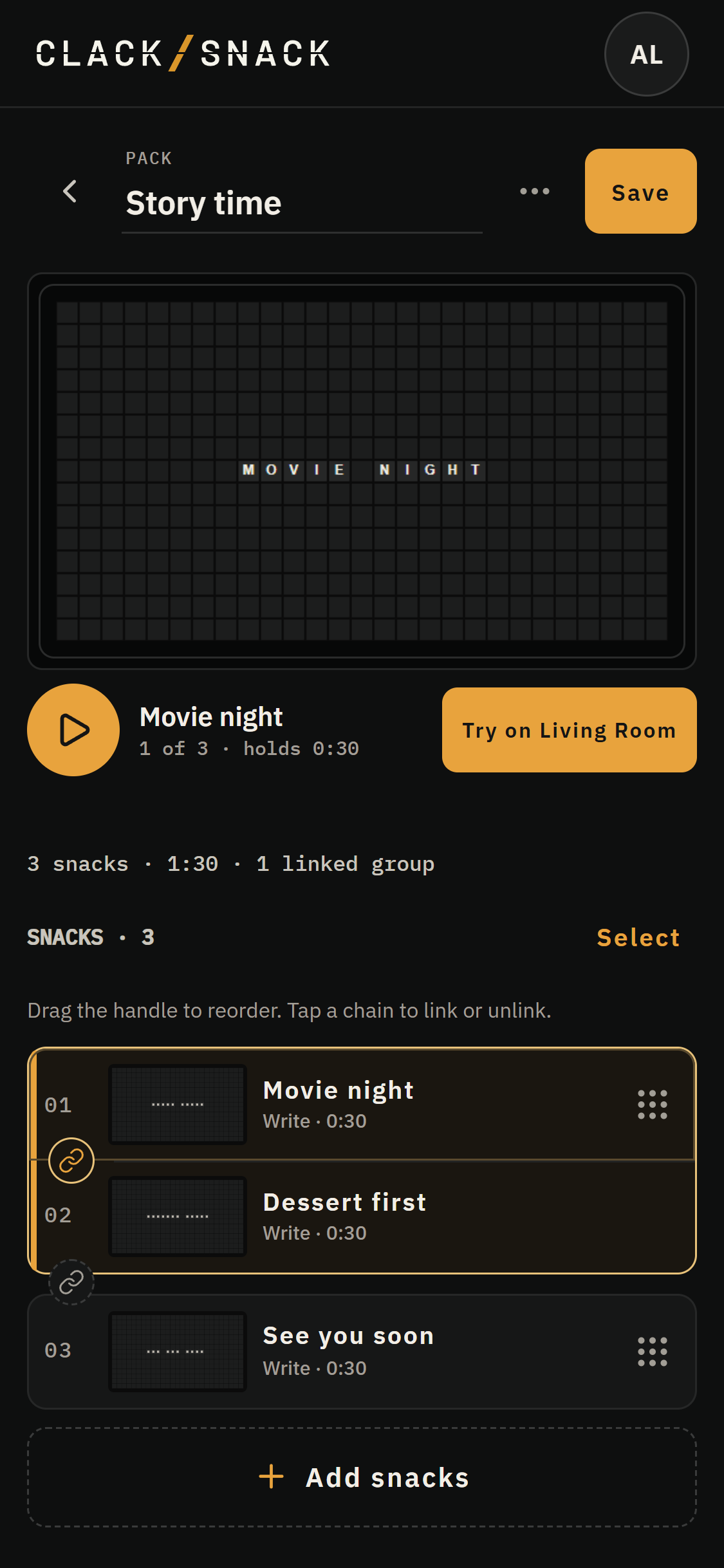
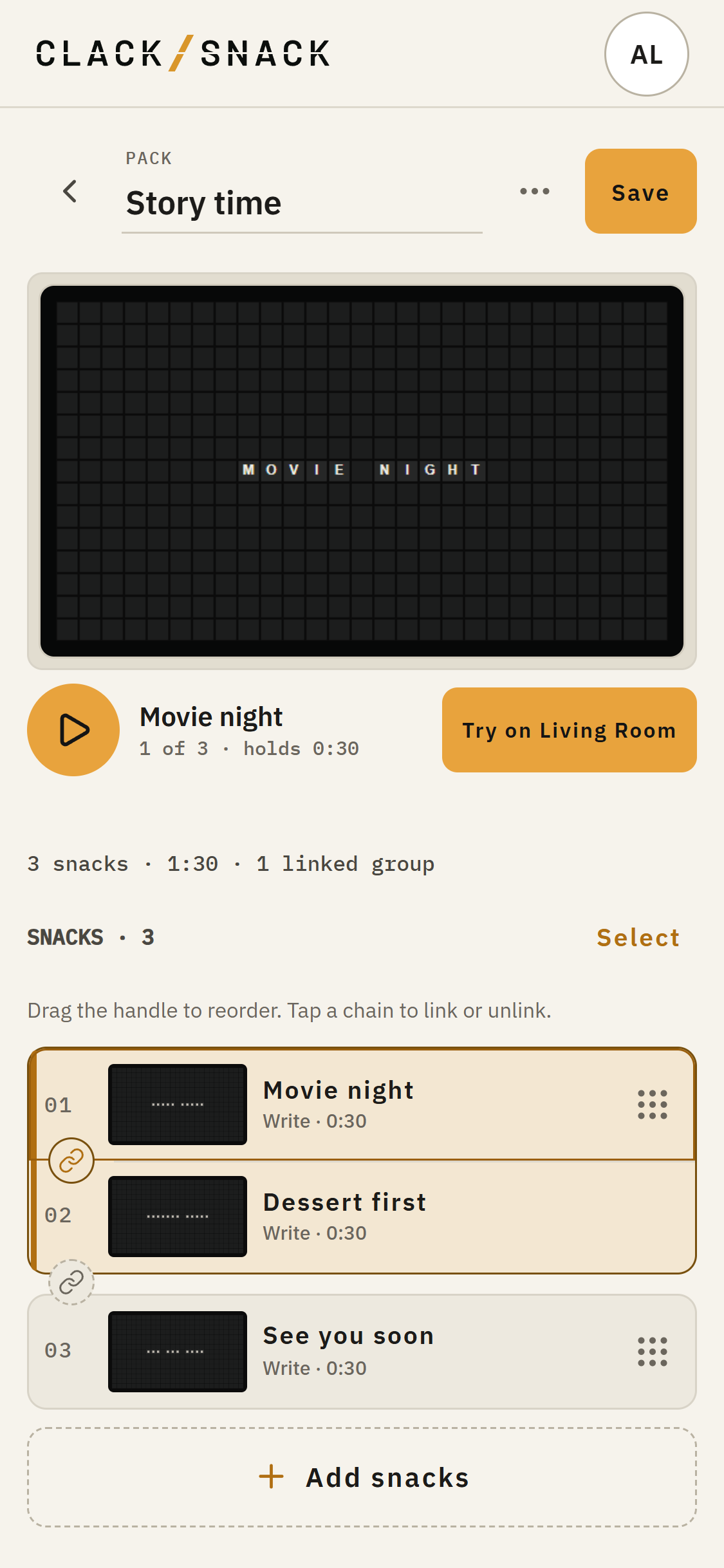
Tap the chain between two rows to link them. Keep linking to make a longer group. Linked rows appear together in one card; tap a chain inside the group to split it there. In Select, choose several rows and tap Link or Unlink. The Pack menu also has Link all and Unlink all.
A run of linked Snacks counts as one playback unit. They always play together, in their Pack order. A Pack's Shuffle moves whole groups among its other Snacks. In Curate, Shuffle packs moves Packs and standalone Snacks; Shuffle all mixes whole linked groups with other Snacks across the Spread. Neither shuffle breaks up a linked run.