

Your library keeps your Packs and Snacks in one place. Use Search snacks and packs to find something by name. Search also looks through the text of word-only Snacks. Filter the view by Type or Where from, then use Clear to show everything again. Use Select to choose Snacks for Make a pack.
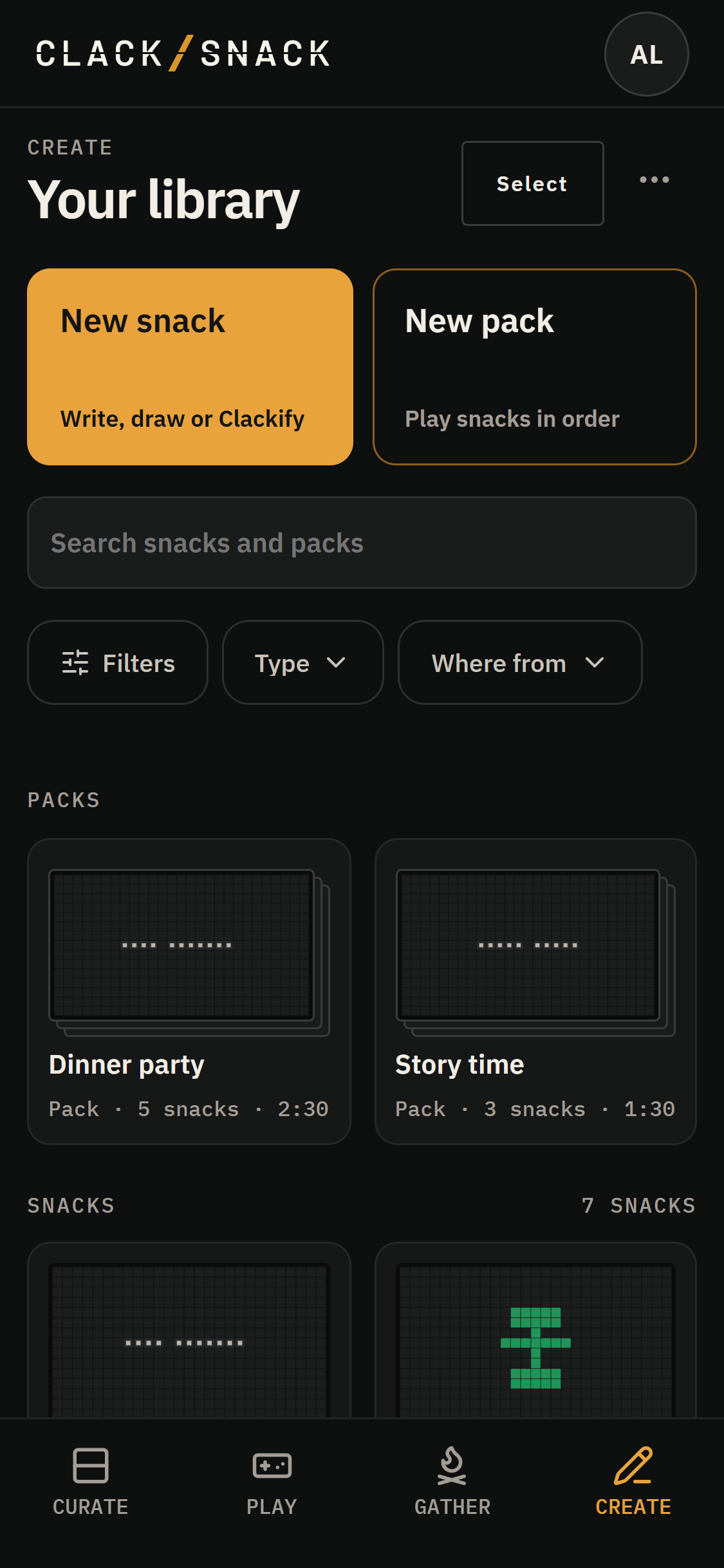
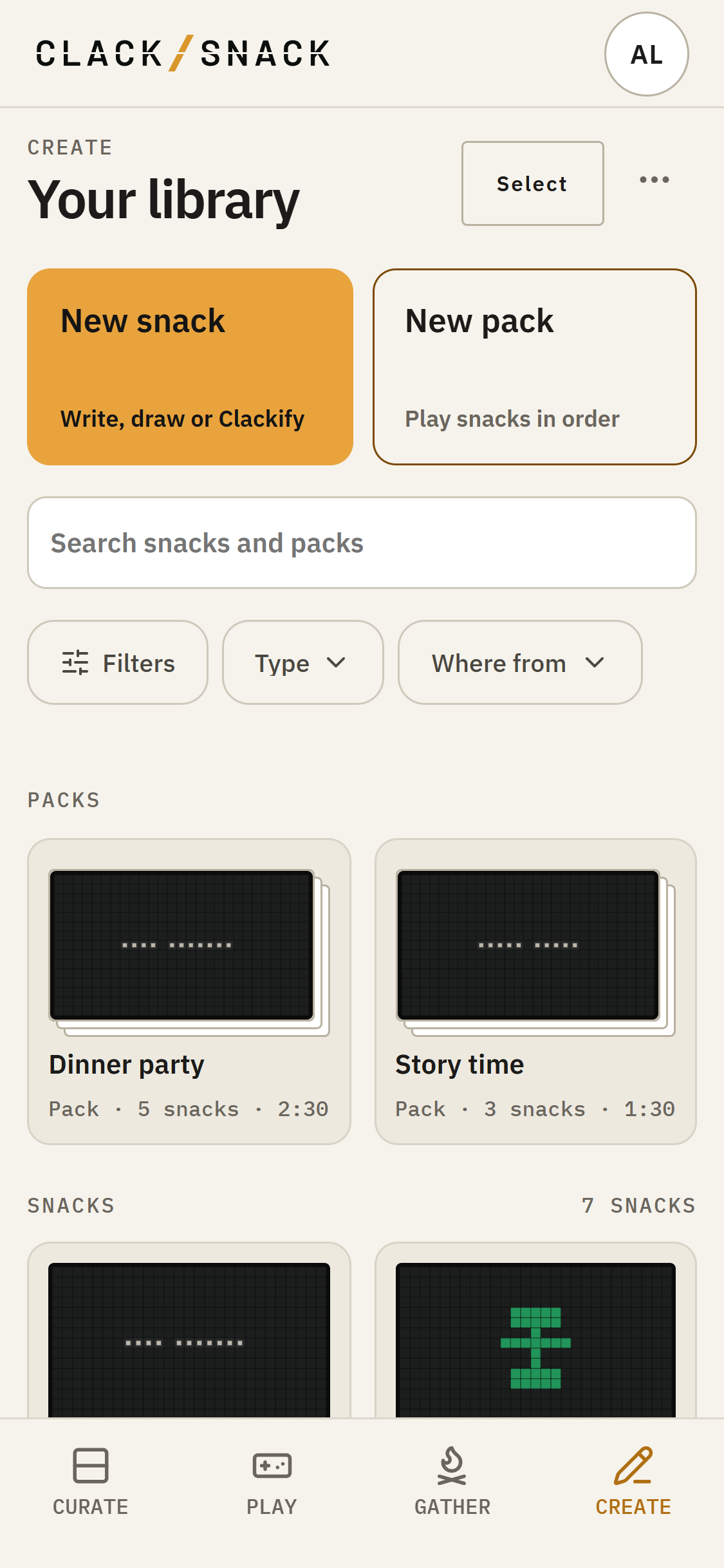
Open a Snack to edit it. More actions includes Duplicate and Delete snack. Deleting also removes the Snack from places using it, so you'll be asked to confirm. Published and built-in Snacks can be viewed, but stay read-only.
Try on shows a Snack on your selected Display for a visit. Send to displays lets you place a Snack or Pack on Displays. In the Snack editor, these actions save your edits first, then continue. If saving fails, the action stops. Try on needs a Display that's on.
Filtering your library
Your library has a way of filling up. The filters at the top help you find just what you’re looking for.
Find what you’re looking for
Tap Type to narrow things down to Packs, or Snacks you’ve written, drawn, made with Clackify, or mixed together.
Tap Where from to choose where they came from:
- Yours: Things you’ve made, put together, or imported.
- Stand: Things from the Snack Stand. For now, these are made by the ClackSnack team.
- Bundled: Things built into the app.
Mix and match
Each filter opens a short list, with a count beside every choice. Pick as many as you like.
Within a filter, choices work as or. Choose Draw and Clackify, for example, to see Snacks made with either.
Across filters, choices work as and. Choose Draw under Type and Yours under Where from to see only your drawings.
Tap Show to apply your choices.
The Filters button brings everything together, with a number showing how many filters are active. Tap Clear to see everything again.
Just the way you left it
ClackSnack remembers your filters on this device until you clear them.
You’ll find the same filter row when adding Snacks to a Pack or adding things to a Spread in Curate. Each place remembers its own choices, so you can keep different views for different jobs.
If you copy a Snack or Pack from Stand or Bundled, the copy becomes yours. You’ll find it under Yours.